Etsy bulk listing upload tool
Etsy, currently, does not allow you to bulk publish your products. But you can import listings to Etsy via CSV using a third-party tool, such as Nembol.


Step 1: Download the template
To get started, download the Nembol CSV template. You can find it in your Products Tab, by clicking on “Import” and then “Download template.”

Step 2: Add product information
Once you have downloaded the CSV template, all you need to do is to add your product information into the Etsy CSV file.

Step 3: Upload your CSV in Nembol
Once you have finished editing your CSV, import it into Nembol.
Go to your Products Tab, click on the “Import” button top right, and then select the “Import CSV file” option.

Step 4: Connect Etsy and bulk list your products
Go to the Channels Tab and connect your Etsy store.
Now, go back to your Product Tab, select as many products you want, and list them in bulk on one or more Etsy channels.
In 4 steps you were able to upload your Etsy CSV file.
Using Nembol as Etsy CSV import tool is super easy, but if you have any questions our support is ready to help you out.
Plans & Pricing
Enjoy unlimited variations, unlimited orders, unlimited imports and exports
- 200 products
- 1 Etsy account
- 1 seat
- Unlimited listings, orders, variants
- Import active listings only
- Inventory sync
- Storefront
- 2,000 products
- 2 Etsy accounts
- 1 seat
- Filtered product import
- Nembol Link
- Transfer orders for fulfillment
- All Basic features
- 5,000 products
- 4 Etsy accounts
- 2 seats
- Attributes & product specs
- Nembol Checkup
- AI title generator
- CSV light edit
- All Pro features
- 15,000 products
- 10 Etsy accounts
- 5 seats
- Add 5,000 product slots
- AI description generator
- API access
- All Enterprise features
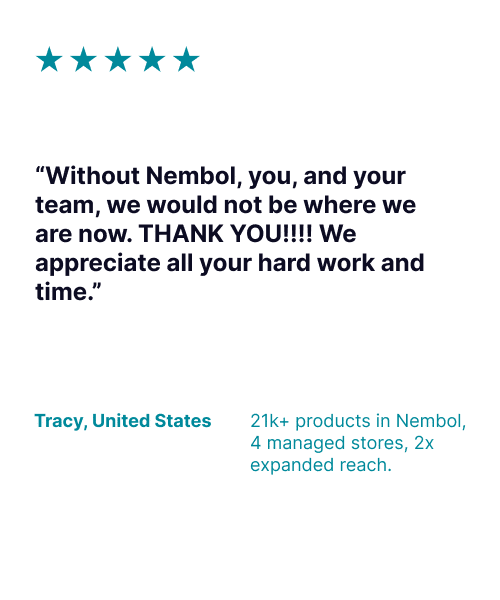
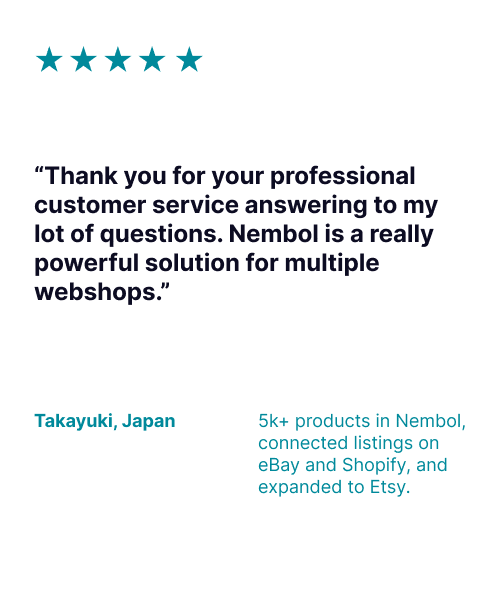
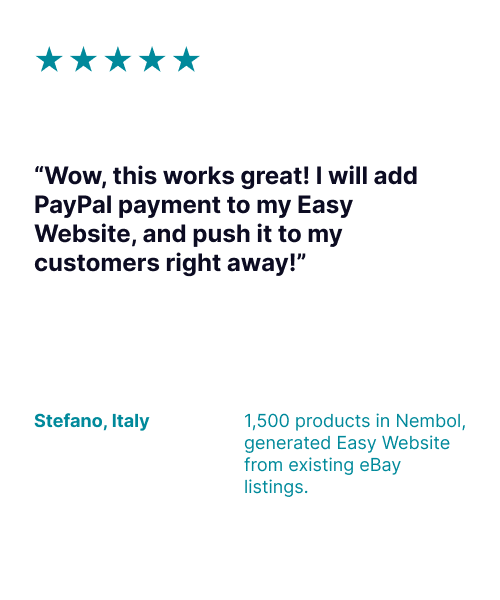
What sellers say about Nembol
Frequently Asked Questions
Can you upload a CSV directly to Etsy?
No. Etsy has no way to import listings from a CSV file. You need a third-party tool: upload your CSV to Nembol, then publish those products to Etsy in bulk, along with any other channels you sell on.
What separator does the CSV need?
A semicolon, not a comma. Excel and Numbers take the separator from your operating system settings and hide it from view, so a file that looks correct can still fail. Open it in a text editor to check. Text inside quotes can contain semicolons without breaking the import.
Can I upload product variations in the CSV?
Yes. Add a line containing the variation directly beneath its parent product.
How do I add images to a CSV?
Images have to be hosted online and referenced by public URL — a text file cannot contain an image. Any host works as long as it gives you a direct public link per image.
Will uploading a CSV create duplicate listings?
No. Nembol identifies products by their unique ID and blocks the same item importing twice. That also means re-uploading an updated version of a product requires a different ID.
What about Etsy’s mandatory fields, like who made the item and when?
Those are set in Nembol’s Etsy publishing settings and applied in bulk to the products you are publishing, rather than per product in the CSV. Publish one group, change the setting, then publish the next.
Start a free 14 day trial
Free trial 14 days, no contract,
no credit card needed to try