

Transfer orders for fulfillment
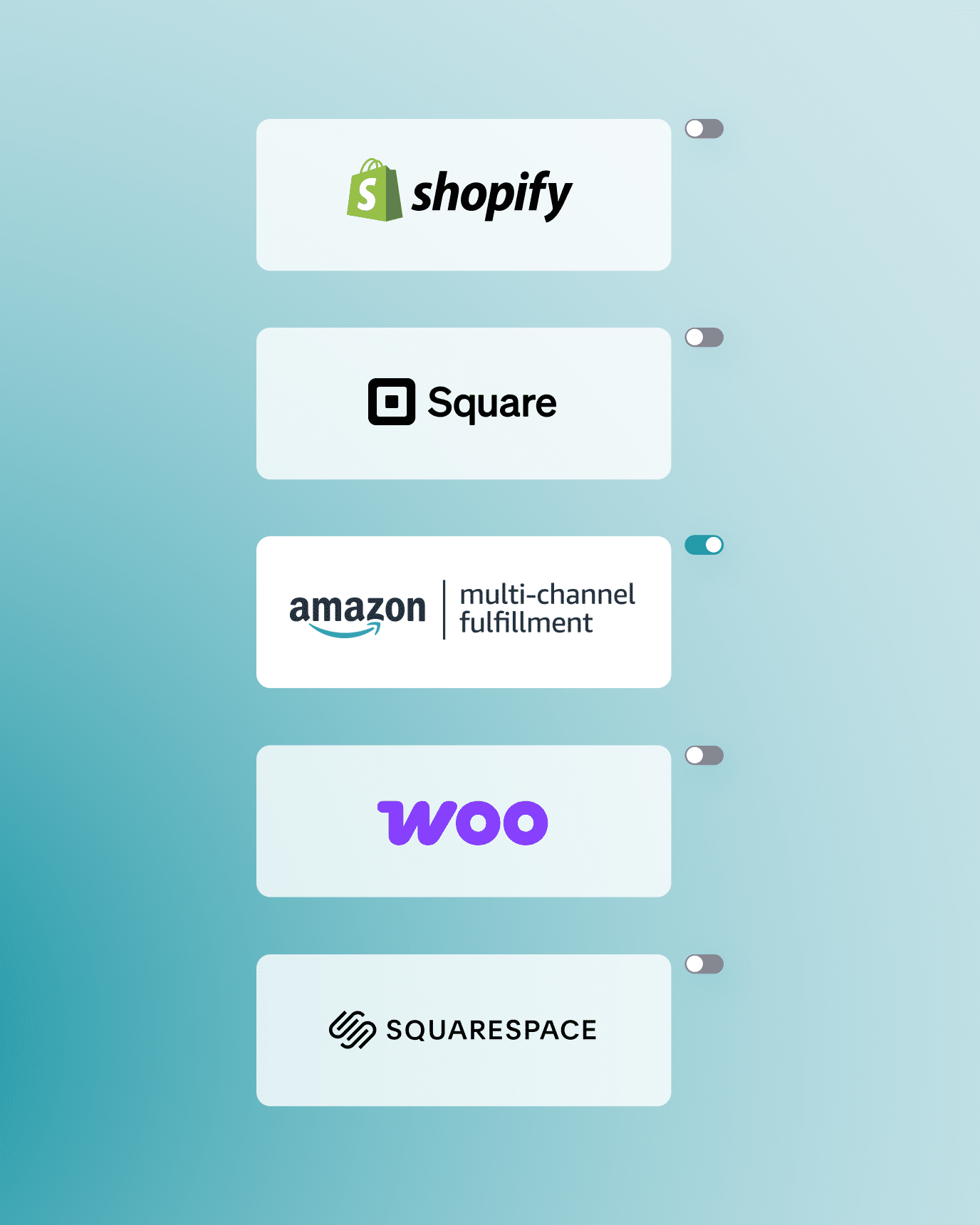
Nembol can automatically transfer orders received on your sales channels into a single fulfillment platform. Currently supported: Shopify, WooCommerce, Square, Squarespace, Wix, and Amazon MCF.
No credit card required
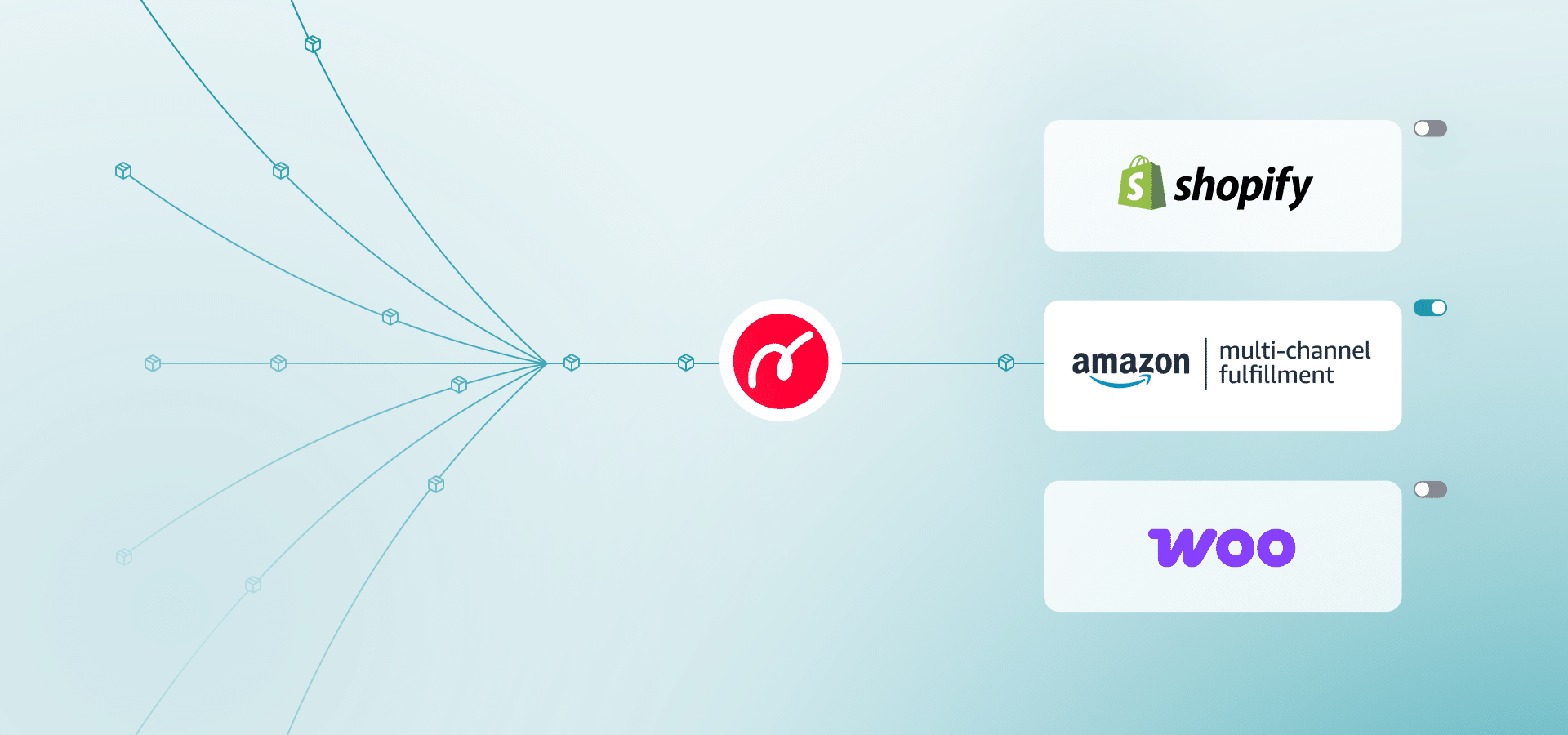
Transfer orders from supported sales channel into your fulfillment platform
Once Transfer Orders is enabled, Nembol automatically moves order data from your eBay, Amazon, TikTok Shop or Etsy, into your chosen fulfillment platform.
Note: Due to API limitations, some channels, such as Etsy, may not return all shipping details. As a result, orders imported from these channels may contain incomplete shipping information.
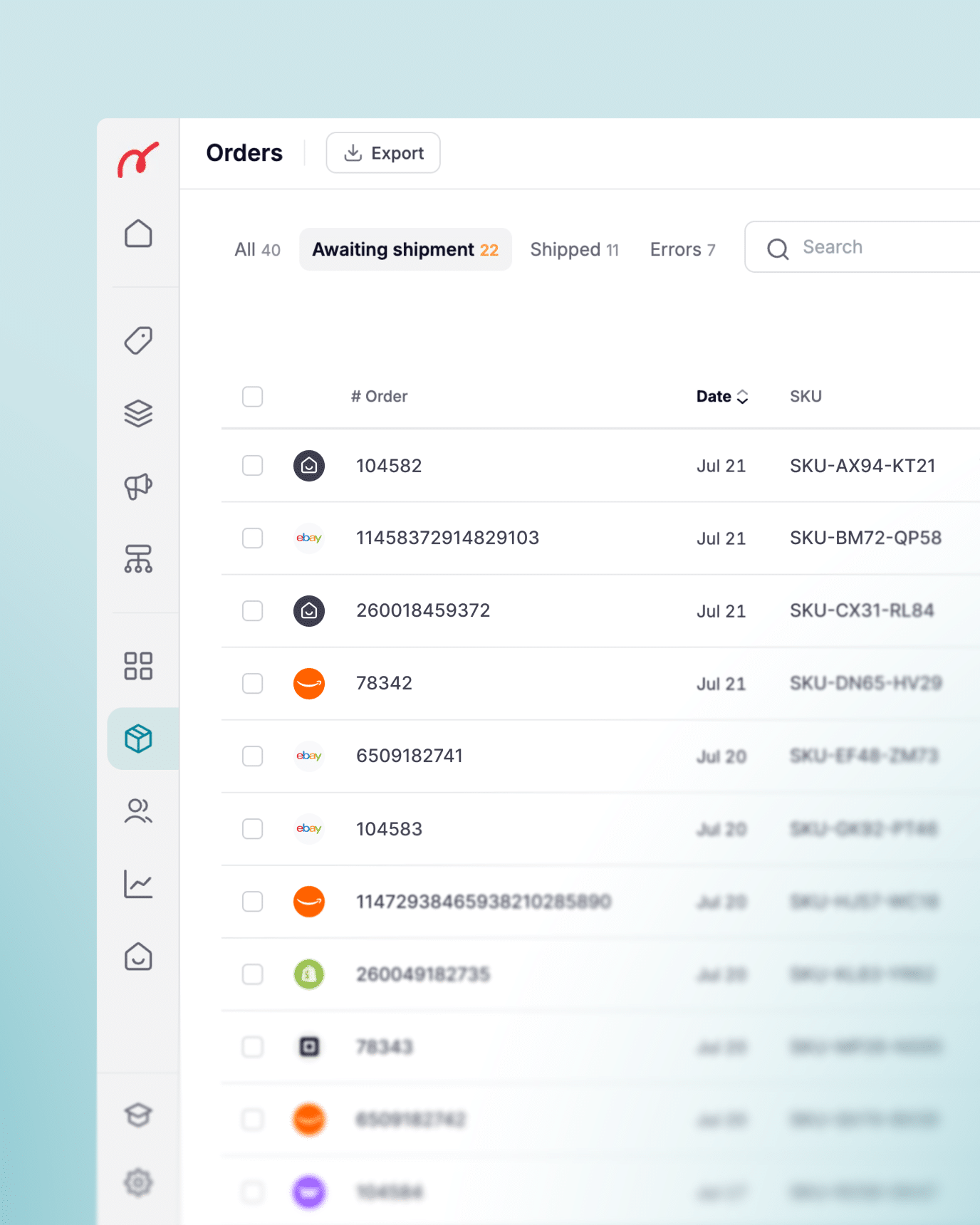
Keep all your orders visible from a single interface
You don’t need to log in to each marketplace separately to track incoming orders.
Nembol collects orders from all your connected sales channels into a single dashboard and routes them to your destination, giving you full control and a unified view of your sales activity.
Connect your products through Nembol to enable order transfer
For Transfer Orders for fulfillment to work, the products in the incoming order must exist in the fulfillment platform and be connected through Nembol, either by listing them via Nembol, importing them, or linking existing listings across channels.
Make sure to enable “Sync stock quantity to Nembol” for each channel from which you want to import orders. If products are not connected, the order cannot be transferred automatically.


Sync inventory after every received order
Transfer Orders for fulfillment works alongside Nembol’s inventory sync.
Every time an order is received, Nembol automatically adjusts stock quantities across all connected channels according to your settings.
This means you never have to update inventory manually after a sale, regardless of which channel it came from.
How to centralize fulfillment from multiple channels
1) Connect your sales channels
Connect your sales channels to Nembol and monitor all incoming orders from a single interface, the Nembol Orders tab.
2) Activate "Transfer orders for fulfillment"
In the Sync settings, find the Transfer Orders section and select your fulfillment platform: Amazon MCF (beta), Shopify, WooCommerce. Discover how Nembol-Amazon MCF integration works.
3) Manage order status from a single interface
Nembol automatically transfers incoming orders to your chosen platform, keeping stock in sync.
14 day free trial | No credit card required
Transfer orders for fulfillment is fully available on the Pro plan and higher
More ecommerce tools:



Want to learn more about ecommerce?
Subscribe to our newsletter!
By entering your email address, you accept our Privacy Policy and Terms of Use. Totally free. Unsubscribe at any time.