

Overview
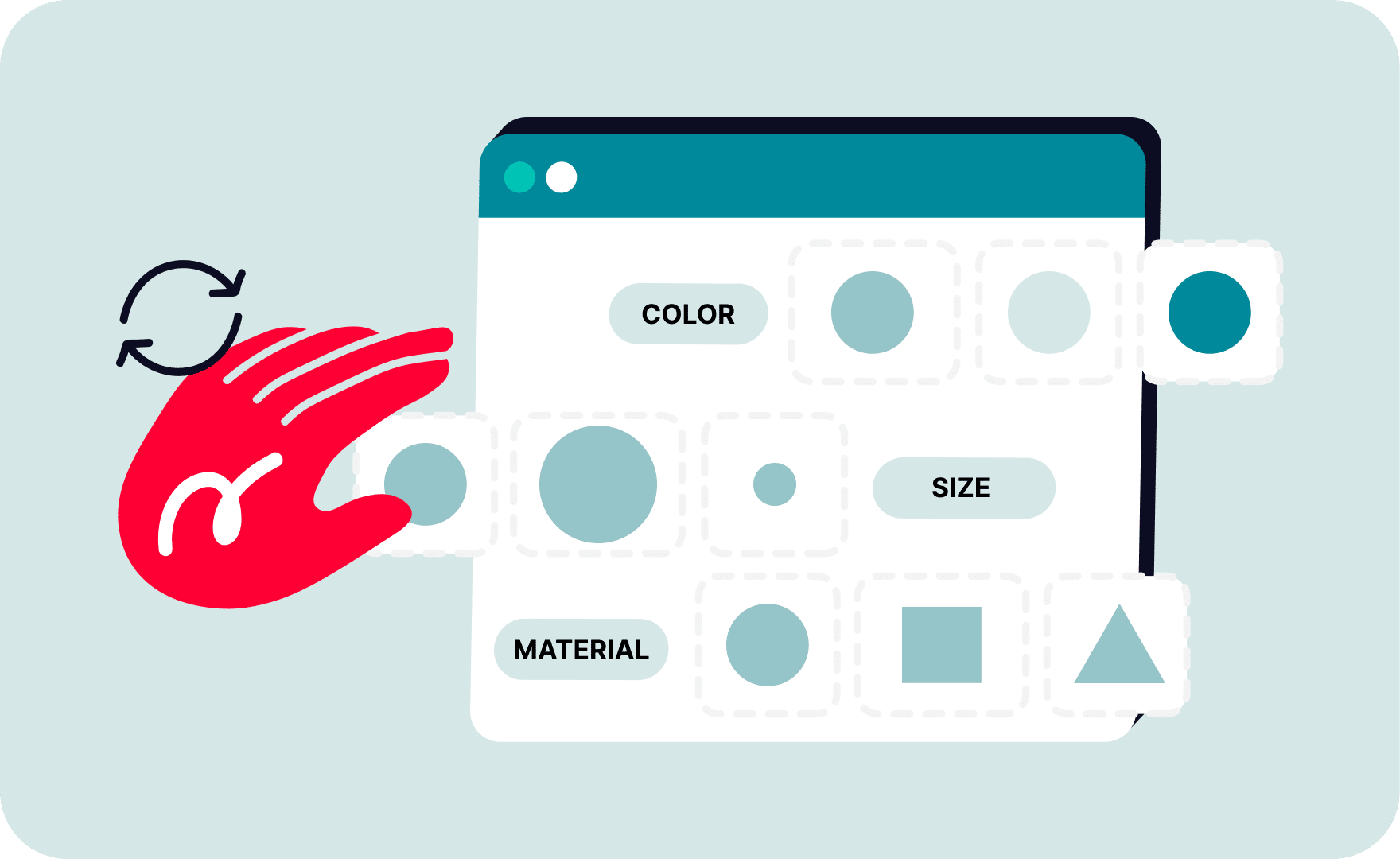
Managing variant images across multiple sales channels can become a critical part of ecommerce operations. Customers expect to see the correct image when selecting a color, size, material, or other product option, and marketplaces increasingly rely on variant-level visuals to improve conversion and reduce purchase errors.
The challenge is that every marketplace handles variant images differently. Shopify allows flexible image assignment, Etsy groups photos by variation axis, eBay applies its own variation picture rules, while TikTok Shop only accepts specific option types such as Color or Size.
For sellers and businesses operating on multiple channels, maintaining consistency manually becomes difficult. This is where multichannel platforms like Nembol provide a more reliable workflow, allowing merchants to manage variant images from a centralized catalog while automatically adapting listings to each marketplace’s requirements.

What is a variant image
A variant image is a product photo connected to a specific variation of an item rather than to the product as a whole.
For example, if you sell a t-shirt available in multiple colors, customers expect the product image to update when they select “Black,” “Blue,” or “Red.” The same applies to furniture finishes, shoe colors, phone case designs, and other configurable products.

Variant images improve:
- Product clarity
- Customer confidence during checkout
- Marketplace compliance
- Listing quality across search and shopping feeds
- Conversion consistency between channels.
Different ecommerce platforms support variant images in different ways.
For multichannel sellers, managing these different rules separately can create synchronization problems, duplicate uploads, and inconsistent listings across marketplaces.
How to add variant images to a product
Most marketplaces allow sellers to configure variant images directly inside their native dashboards. However, managing the same catalog independently on Shopify, Etsy, eBay, Amazon, WooCommerce, and TikTok Shop often leads to duplicated work and inconsistent image structures.
Nembol centralizes this process by allowing merchants to assign variant images once and distribute them across all connected channels while automatically adapting to each marketplace’s requirements.
Inside Nembol, sellers can:
- Open the Products Tab
- Select a product and click Edit
- Navigate to the Variants area
- Click on + to upload images for each variant.
- Save and publish updates across connected channels

When listings are published, Nembol automatically applies each marketplace’s image logic, including:
- Gallery inclusion rules
- Variant grouping by option axis
- Marketplace-specific image limits
- Channel-specific image IDs
- Per-channel overrides.
In addition to manual variant image management inside the Nembol interface, merchants can also assign variant-specific images through CSV import and export workflows.
Nembol supports dedicated CSV fields named variant_image_link and variant_additional_image_link, allowing sellers to connect images directly to individual product variants.
This workflow is particularly useful for large inventories and bulk catalog updates.
Manage multichannel variant images from a single dashboard
Open your Nembol account and take full control of your multichannel catalog—including images per variant—all in one place. Try it free for 14 days, no credit card required.
How do I add multiple images to variants in Shopify
Shopify supports variant-specific images and allows merchants to associate product photos with individual variants.
However, Shopify also requires variant images to exist inside the main product gallery. This means merchants often need to manage both the gallery structure and variant assignments simultaneously.
With Nembol, Shopify variant image management becomes more consistent because the platform automatically promotes variant images into the gallery whenever Shopify requires it. Merchants can manage the catalog centrally instead of manually updating each listing inside Shopify Admin.
This is particularly valuable for catalogs with multiple color combinations or seasonal inventory changes where image synchronization across marketplaces must remain reliable.
How do I add pictures to variations on Etsy
Etsy handles variant images differently from Shopify.
Instead of assigning fully independent image sets to each variation, Etsy groups images by a single variation axis, usually Color. This means all variants sharing the same color value will display the same image even if other attributes differ.
For example:
- Red / Small
- Red / Medium
- Red / Large
All three variants will typically display the same red image.
Nembol automatically detects the appropriate grouping axis when publishing to Etsy and structures the listing according to Etsy’s variation image rules. The platform also ensures that required variant images are included in the main gallery before publication.
This allows merchants to maintain centralized product data while keeping Etsy listings aligned with marketplace requirements.
How do I add variation photos on eBay
eBay supports variation images with more flexibility than Etsy, including support for multiple pictures associated with a variation group.
Like Etsy, eBay generally organizes variation images around one option axis.
Managing eBay variation pictures manually can become difficult when sellers operate large inventories with frequent catalog updates. Image duplication and variation mismatches are common issues in multichannel environments.
Nembol helps standardize this workflow by organizing variant images according to eBay’s accepted variation structure while preserving consistency with the seller’s master catalog.
This becomes particularly important for businesses publishing the same products simultaneously to multiple sales channels.
How do I add variation photos on Amazon
Amazon supports independent image sets for child variations inside parent-child product structures.
Each child ASIN can contain its own primary image and additional gallery photos, allowing sellers to create highly specific visual presentations for each variation.
However, Amazon variation relationships require strict catalog consistency. Incorrect image associations can lead to listing suppression, catalog conflicts, or parent-child separation issues.
Using a centralized multichannel platform helps reduce these risks by maintaining consistent variation mapping across channels.
With Nembol, sellers can manage variant-level images from a unified catalog while maintaining Amazon-compatible product structures during publication.
Can you add a different image for each product variation in WooCommerce
Yes. WooCommerce supports assigning different images to individual product variations.
Unlike Etsy or TikTok Shop, WooCommerce does not require grouping images by a single option axis. Each variation can maintain its own dedicated image independently from the product gallery structure.
This provides greater flexibility for merchants selling configurable products with unique visual combinations.
For multichannel sellers, however, WooCommerce is often only one part of a larger ecosystem that also includes Shopify, Amazon, Etsy, eBay, and social commerce platforms.
Nembol helps maintain consistency across all connected channels by allowing sellers to manage variant images centrally while automatically adapting to each platform’s publishing logic.
Instead of rebuilding variation images marketplace by marketplace, merchants can maintain a single reliable source of product data and distribute it across their entire ecommerce infrastructure.
Benefits of using Nembol for variant images
Variant image management is no longer just a design consideration. It directly affects catalog consistency, marketplace compliance, and operational scalability.
The main advantage of using Nembol is not simply assigning images to variants — every marketplace already offers some form of native variant image support.
The real advantage is maintaining a centralized and reliable image structure across multiple marketplaces simultaneously.
Nembol allows sellers to:
- Manage variant images from one catalog
- Publish to multiple marketplaces simultaneously
- Preserve marketplace-specific image rules automatically
- Avoid duplicate image uploads
Maintain channel-specific overrides without breaking the master catalog - Keep product presentation consistent across channels.
For businesses operating across Shopify, Amazon, eBay, WooCommerce, TikTok Shop, Google Merchant Center and additional marketplaces, centralized variant image management provides a more scalable long-term workflow than handling each channel independently.
Nembol currently supports multichannel publishing and product synchronization across major marketplaces, ecommerce platforms, social commerce channels, and advertising feeds, with many additional integrations already available through the platform.
New channel connections continue to be added as the Nembol ecosystem expands. Businesses interested in specific marketplaces or ecommerce integrations can contact the Nembol team for information about upcoming channel availability and custom integration requests.