

Sell on Squarespace
Connect Squarespace with Nembol to bulk list products on Squarespace and across multiple marketplaces, manage your catalog from one place, sync inventory in real time, and avoid manual updates.

Integrated with Squarespace via official APIs
Since 2026
Sell things on Squarespace
with real-time inventory sync

import your Squarespace products into Nembol

Publish from Squarespace to multiple channels (or viceversa)

automatically sync stock across channels

Edit centrally or sync updates from Squarespace

promote your listings on Google and social platforms

generate your ecommerce website
List products on Squarespace
Publish products to Squarespace individually or in bulk directly from Nembol. Product information is transferred automatically.
When publishing to Squarespace, Nembol supports:
- Titles
- Descriptions
- Prices
- Inventory
- Categories
- Brand
- Tags
- Images (including variant images)
- Product variants
- Weight and dimensions


Sell Squarespace products on multiple sales channels
Expand beyond your Squarespace store without recreating your catalog for every sales channel.
With Nembol, you can publish your Squarespace products to multiple ecommerce platforms, marketplaces, and social channels from a single interface, including Shopify, Amazon, eBay, Google Merchant, Facebook and more.
Squarespace inventory management
Keep your Squarespace inventory accurate across every connected sales channel.
Nembol automatically synchronizes stock levels between Squarespace and your other channels, updating quantities when products are sold or inventory changes.
Manage inventory from Squarespace or from Nembol, while keeping your entire sales network aligned and reducing the need for manual updates.
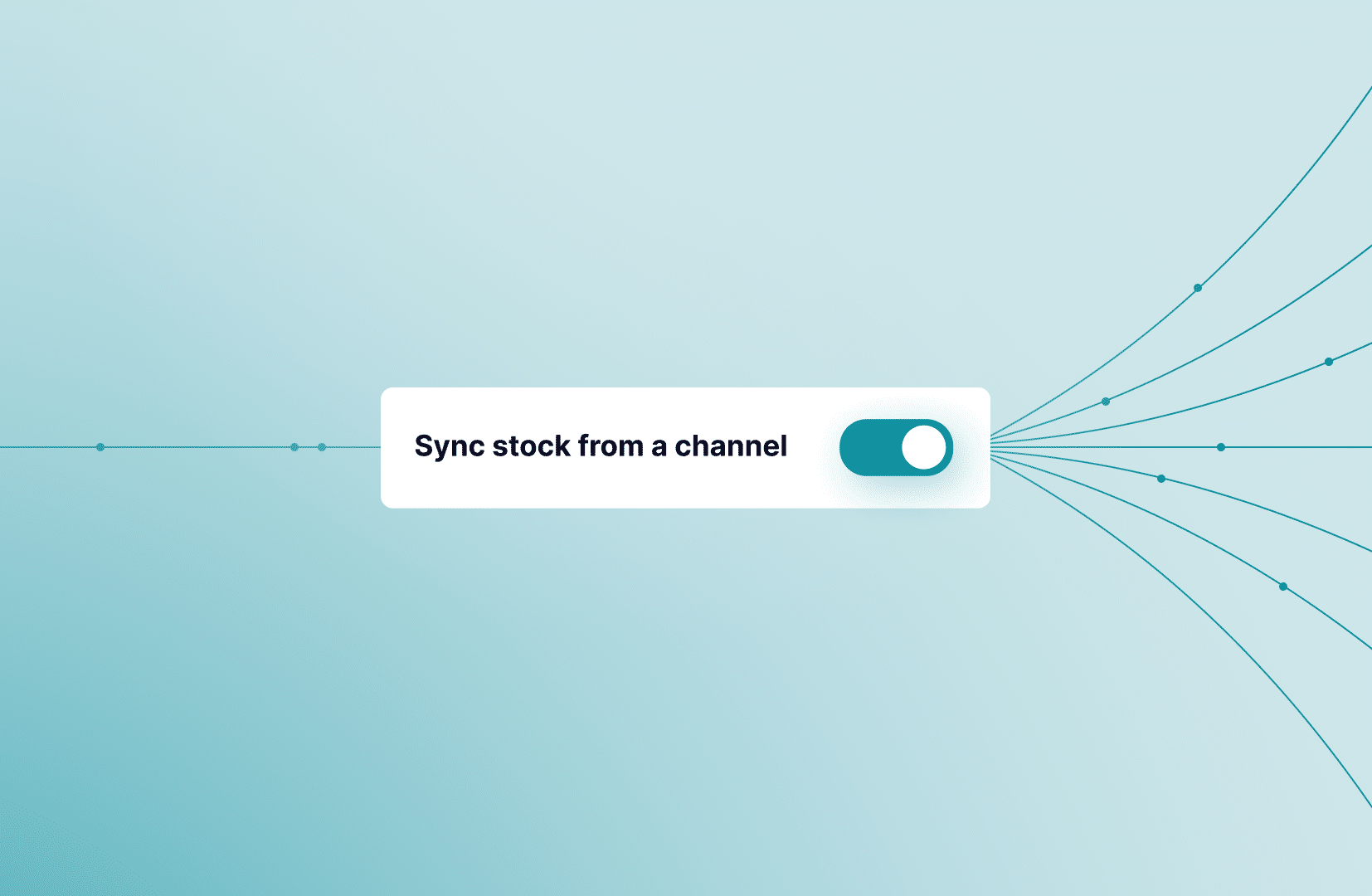

Bulk edit products on Squarespace or centrally with Nembol
Choose the workflow that works best for your business: make updates directly in Squarespace and sync them across your channels, or edit products centrally in Nembol and automatically push changes back to Squarespace.
Manage product information including titles, descriptions, prices, inventory, images, categories, variants, and product attributes from one connected workflow.
Tools and Perks to sell smarter

Automated pricing rules
Apply fixed or percentage-based price adjustments to your Squarespace products and maintain different pricing strategies for each connected sales channel.
Listing health at scale
Nembol’s built-in Checkup analyzes your Squarespace products and connected listings to identify missing SKUs, incomplete product information, and potential catalog issues before they affect your sales.

Squarespace orders in one place
Automatically import orders from Squarespace into Nembol and manage them together with orders from your connected ecommerce platforms and marketplaces through one unified workflow.
Start selling on Squarespace
Connect your Squarespace
Connect your Squarespace in Nembol and start managing your product catalog from a single interface.
List your products
Create new listings in Squarespace and expand your catalog across other connected sales channels directly from Nembol.
Sync inventory across channels
Maintain accurate stock levels across your Squarespace store and every connected sales channel.
Bulk edit products on Squarespace or Nembol
Edit your product information directly in Squarespace or manage your catalog centrally in Nembol, with changes automatically synchronized across your connected sales channels.
Expand your business connecting your shops

Amazon and eBay
inventory management

eBay OnBuy
inventory sync

TikTok eBay
inventory sync
Want to unlock Nembols’ full potential?
Not sure where to start?
Just drop your email and we’ll reach out to help!
By entering your email address, you accept our Privacy Policy and Terms of Use. Totally free. Unsubscribe at any time.