
Sell on Kaufland Marketplace
List your products on Kaufland from Nembol, keep stock aligned in both directions with Amazon, eBay, Shopify and your other channels, handle orders, customers and promotions from one catalog.

Integrated with Kaufland Global Marketplace via official APIs
Since 2026
Supported Kaufland marketplaces. One Kaufland seller account covers all nine countries, and Nembol publishes to each of them.
Kaufland listing and inventory management software
import your Kaufland offers
list on multiple channels
keep inventory in sync
centralize product edit

run native promotions
generate your Nembol Storefront
List products on Kaufland
Publish your products to Kaufland in bulk directly from Nembol. Product information is transferred automatically.
Note: Kaufland requires a valid barcode for every offer and allows only one offer per barcode. Multi-variant products are not supported.

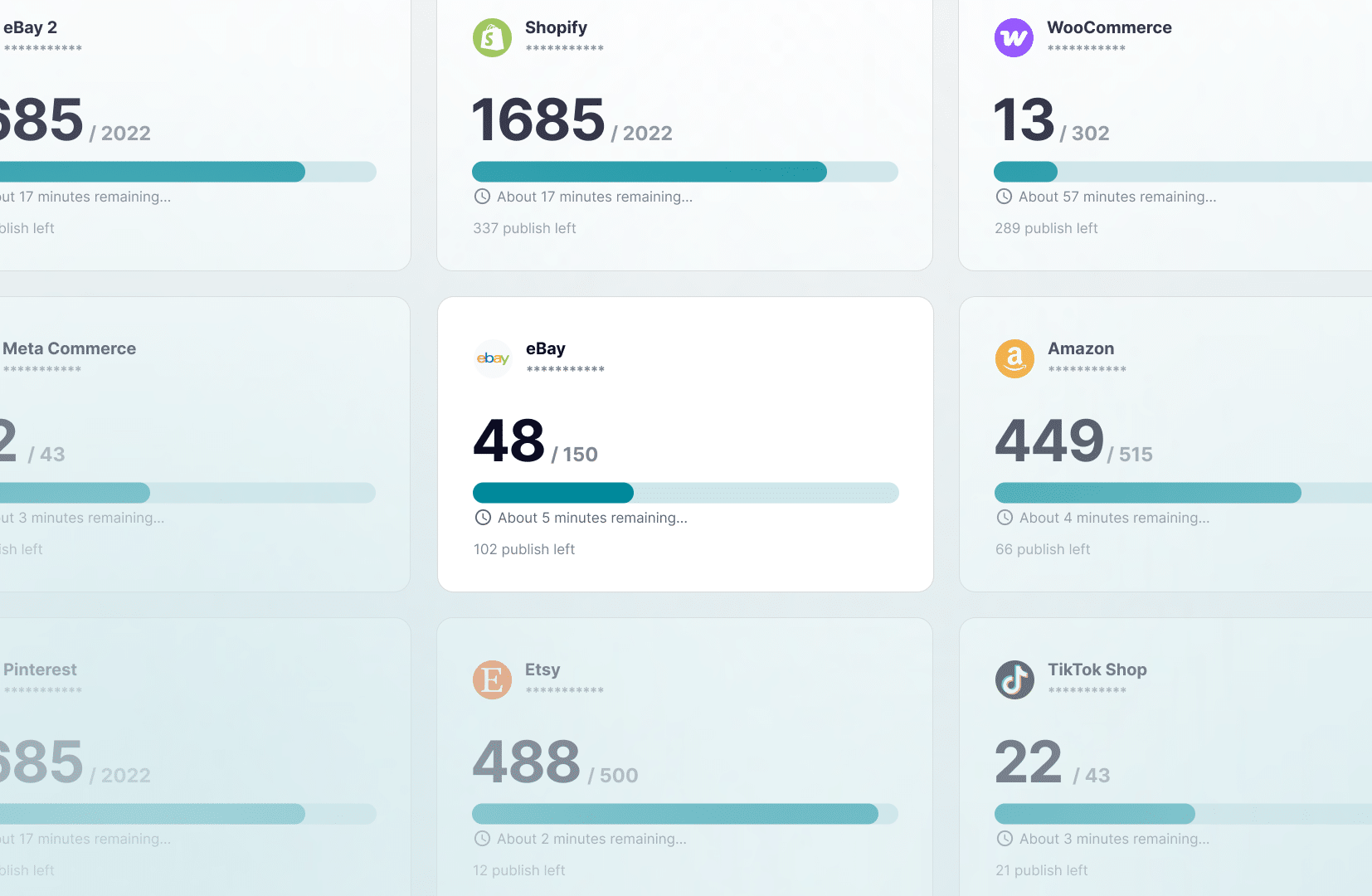
Sell Kaufland products on Amazon, eBay, Shopify and more
Reach beyond Kaufland without rebuilding your catalog for every sales channel.
From one interface you can publish your Kaufland products to marketplaces, ecommerce platforms and social channels, including Amazon, eBay, Etsy, TikTok Shop, Shopify, WooCommerce, Google Merchant and Meta.
Kaufland inventory management
Keep your Kaufland stock aligned with every channel you sell on.
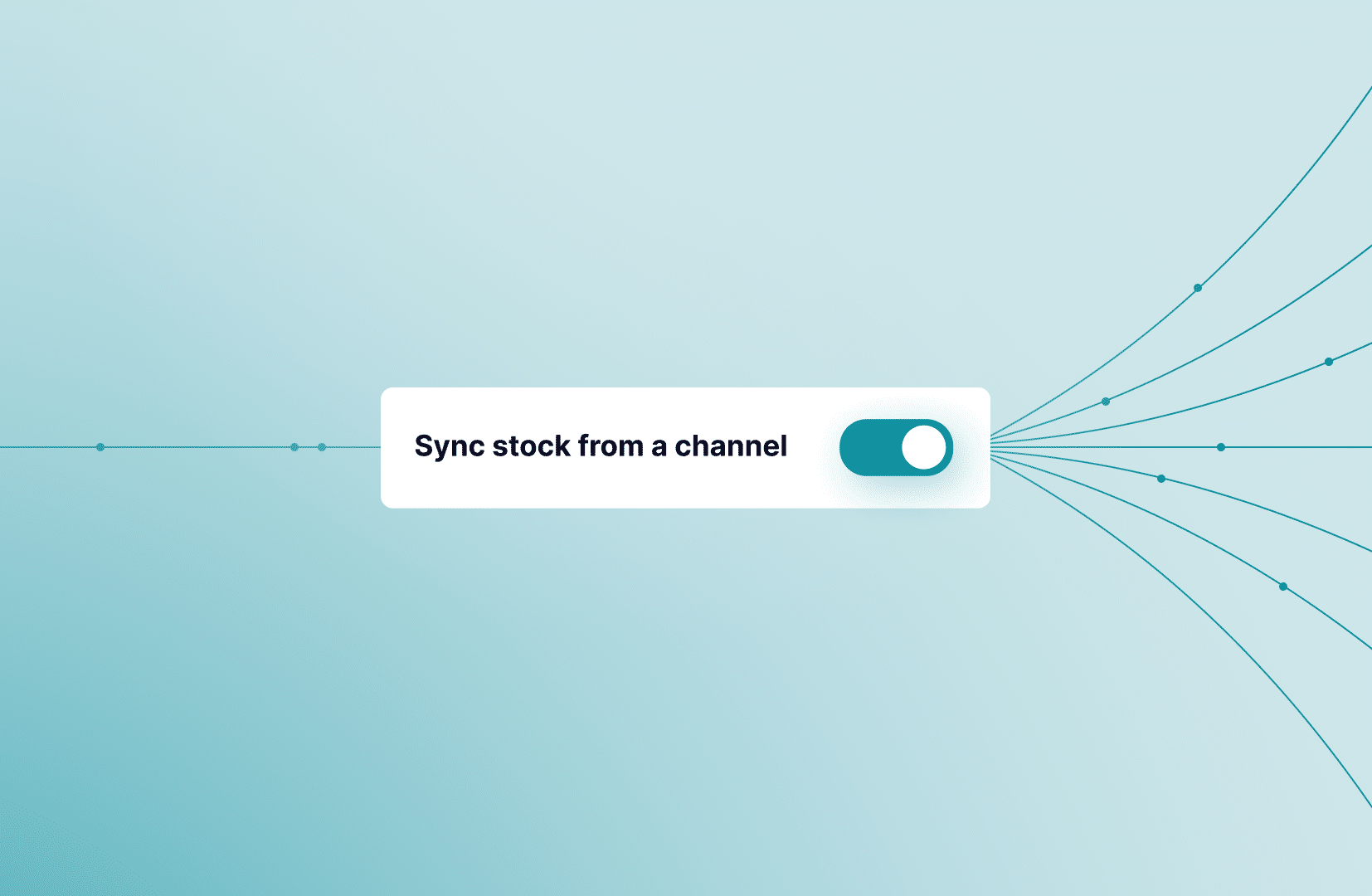
Stock moves in both directions: a sale anywhere lowers the quantity on your Kaufland offers, and a change made on Kaufland is reflected across your other channels in real time.
Manage inventory from Kaufland or from Nembol, while keeping your entire sales network aligned and reducing the need for manual updates.

Edit your Kaufland products centrally
Update titles, descriptions, prices, images and product attributes in Nembol and push the changes to Kaufland in bulk, alongside your other connected channels.
Tools and Perks to sell smarter

Automated pricing rules
Apply fixed or percentage-based price adjustments to your Kaufland offers and keep a different pricing strategy for each connected sales channel.
Listing health at scale
Nembol’s built-in Checkup analyzes your catalog and flags missing barcodes and incomplete product data before they affect your listings.

Kaufland orders in one place
Orders are imported into Nembol automatically, and tracking is sent back to Kaufland when you mark them as shipped.
Kaufland promotions
Create native Kaufland discount vouchers from Nembol, percentage or fixed amount, with your own start and end dates.
How to start selling on Kaufland
with Nembol
Connect your Kaufland
Link your Kaufland account quickly and securely.
List your products
Upload your catalog and publish products in bulk.
Sync inventory across channels
Stock stays aligned in both directions.
Manage orders and promotions
Handle products, orders, and promotions from one dashboard.
List once and sync stock & orders across channels
14-day free trial, no credit card required
Selling on Kaufland: frequently asked questions
Does Kaufland require a barcode for every product?
Yes. Kaufland requires a valid barcode — an EAN or GTIN — on every offer, and allows only one offer per barcode. Products without a barcode cannot be listed. Nembol’s built-in Checkup scans your catalog and flags missing barcodes and incomplete product data before you publish, so you find the gaps in Nembol rather than in a rejected upload.
Can I sell product variants on Kaufland?
No. Kaufland does not support multi-variant products, because it allows only one offer per barcode. A product that exists in several sizes or colors has to be listed as separate offers, each with its own barcode. This is a Kaufland rule rather than a Nembol limitation — Nembol handles variants normally on channels that accept them, such as Amazon, eBay, Etsy, Shopify and TikTok Shop.
How do I list products on Kaufland with Nembol?
Connect your Kaufland account, then publish in bulk. Product information — titles, descriptions, prices, images and attributes — is transferred automatically, so you do not rebuild listings by hand. You can start from a catalog you already have in Shopify, WooCommerce, Amazon, eBay or a CSV file, or import the Kaufland offers you have already created and manage them from Nembol going forward.
Does Nembol sync Kaufland inventory in real time?
Yes, and in both directions. A sale on any connected channel lowers the quantity on your Kaufland offers, and a change made on Kaufland is reflected across your other channels in real time. Sync runs on Nembol’s servers, so nothing needs to stay open on your computer, and it is included on every plan.
Can I sell my Kaufland products on Amazon, eBay and Shopify too?
Yes. From one catalog in Nembol you can publish the same products to marketplaces, ecommerce platforms and social channels — Amazon, eBay, Etsy, TikTok Shop, Shopify, WooCommerce, Google Merchant and Meta among them — without rebuilding the catalog for each one. Stock stays aligned across all of them, Kaufland included.
How are Kaufland orders handled in Nembol?
Orders are imported into Nembol automatically as they come in, so Kaufland sits alongside your other channels in one order list. When you mark an order as shipped, the tracking number is sent back to Kaufland automatically — you do not need to enter it twice.
Can I run Kaufland promotions from Nembol?
Yes. You can create native Kaufland discount vouchers directly from Nembol, as either a percentage or a fixed amount, and set your own start and end dates. The vouchers are real Kaufland promotions, not a price change dressed up as one.
Can I charge a different price on Kaufland than on my other channels?
Yes. Automated pricing rules let you apply a fixed or percentage-based adjustment to your Kaufland offers and keep a separate pricing strategy for every connected channel. Set the rule once and it applies as products publish, rather than editing prices channel by channel.
Can I edit Kaufland listings in bulk?
Yes. Update titles, descriptions, prices, images and product attributes once in Nembol and push the changes to Kaufland in bulk, alongside every other channel the product is listed on. The alternative — editing the same product separately in each channel’s back office — is what the integration exists to remove.
Is the Nembol Kaufland integration official?
Yes. Nembol connects to Kaufland Global Marketplace through Kaufland’s official APIs, live since 2026. That means no browser extension, no scraping and no stored marketplace password — the connection is authorised by you and runs server-side.
How much does it cost to sell on Kaufland with Nembol?
Nembol starts at $39 a month for 200 products, rising to $49 for 2,000, $79 for 5,000 and $129 for 15,000. Every plan includes all channels, unlimited orders and 0% commission, so Kaufland is not a paid add-on. There is a 14-day free trial with full features and no credit card required. Kaufland charges its own seller fees separately — check the Kaufland Seller Portal for current rates. See Nembol pricing.
Not sure where to start?
Just drop your email and we’ll reach out to help!
By entering your email address, you accept our Privacy Policy and Terms of Use. Totally free. Unsubscribe at any time.