

Last update September 24, 2026
Overview
On a marketplace, an out-of-date listing costs you a cancelled order and an apology. On Meta it costs you money directly: every hour your catalog says a product is available when it is not, Advantage+ catalog ads keep serving it, people keep clicking, and you keep paying for traffic to something you cannot ship.
That is the real job of software that syncs products to a Meta catalog. Publishing the catalog once is the straightforward part — Commerce Manager will accept a spreadsheet. Keeping it accurate afterwards, across every place your stock actually moves, is what separates a catalog that earns from one that quietly wastes budget.
If your products live in more than one place — an Etsy shop, an eBay account, a Shopify store, an Amazon listing — Nembol is the strongest option: it connects to Meta through the official API, publishes to your Facebook Catalog from any of those sources or from a CSV, and flips products between In stock and Out of stock as sales land anywhere in your catalog. If every product you sell lives in a single Shopify or WooCommerce store, that platform’s own free Meta channel will serve you well, and you do not need anything else.
This article explains what the Meta catalog feeds, the four ways to populate one, and where software earns its place.
What a Meta catalog actually feeds
A catalog is not a storefront. It is the product database that sits underneath several Meta surfaces at once, and an error in it shows up in all of them.
Facebook Shops and Instagram Shopping. The catalog supplies what buyers browse and what you tag in posts and stories. Products published to a Facebook Catalog appear automatically on the Instagram account associated with it — there is no separate Instagram publishing step.
Advantage+ catalog ads. Meta’s dynamic advertising pulls directly from the catalog. Price, availability and image come from your catalog entry, not from your website, which is why an unsynced catalog advertises yesterday’s prices.
Facebook Marketplace and Pages. Products can be surfaced in Marketplace listings and shared from a Page, drawing on the same records.
One catalog, four surfaces. That is the argument for treating catalog accuracy as infrastructure rather than housekeeping.
The four ways to fill a Meta catalog
Meta accepts products through several routes, and they differ less in what they can publish than in what happens afterwards.
Manual entry. Adding products by hand in Commerce Manager. Workable for a handful of items and untenable past a few dozen, because every price change and every stock movement is also manual.
A scheduled data feed. Uploading a CSV, TSV or XML file, optionally on a schedule Meta fetches from a URL. This scales, but the catalog is only as current as the last fetch, and someone has to generate and host the file. Between fetches, your catalog is a snapshot.
The Meta Pixel. The pixel can build and update a catalog from pages people visit on your site. It is a supplement rather than a foundation: it only knows about products someone has viewed, and it depends on structured data being correct on the page.
A connected application. Software authenticated against Meta’s Commerce API that pushes products and updates them as they change. This is the only route where an event elsewhere — a sale on eBay, a stock edit on Shopify — reaches the catalog without anyone intervening.
The first three all share the same weakness: they describe your inventory at a moment. The fourth describes it continuously. If you advertise from the catalog, that difference is the whole point.
When the platform’s own integration is enough
It is worth being direct about this, because it saves some readers a subscription.
Shopify and WooCommerce both ship free Meta channels that connect one store to one catalog. If every product you sell lives in that single store, and it is the only place stock ever moves, those integrations do the job and third-party software adds nothing.
The case changes when any of these is true:
- Products live in more than one system — an Etsy shop and a Shopify store, or an eBay account alongside a website
- Stock moves in places the store does not see, so the store’s own figure is not authoritative
- You sell on marketplaces with no native Meta path at all, such as Etsy, eBay, Amazon or TikTok Shop
- You maintain more than one catalog, or more than one Meta business asset
In those situations a store-to-catalog connector cannot help, because the store is not where the truth lives. That is the gap this category fills.
What to look for in Meta catalog sync software
- Official API access. A connector authenticated against Meta’s Commerce API, not a feed file dressed up as an integration.
- Source breadth. Whether products can come from marketplaces and storefronts, or only from one platform.
- What triggers an update. Sales, stock edits, content changes — and how soon each reaches the catalog.
- Stock behaviour. Meta stores availability as In stock or Out of stock. The question is what flips that switch and how reliably.
- Bulk control. Editing and delisting many products at once, rather than one at a time in Commerce Manager.
- Multiple catalogs. Whether you can target a specific catalog and business asset, which matters as soon as you run more than one.
How Nembol syncs product data to a Meta catalog
Nembol has operated an official Meta Commerce API connection since 2021. The architectural decision underneath it determines everything downstream: the Meta catalog is treated as a consumer of a single inventory record, not as a destination holding its own copy of the assortment.
The distinction is operational rather than semantic. Feed-based approaches export a point-in-time representation of the catalog and reconcile the difference at the next refresh. A single-record architecture leaves nothing to reconcile, because no divergence occurs — Meta reads the same quantity as Amazon, eBay, Etsy, Shopify and every other connected channel.
How inventory syncs to a Meta catalog
Meta does not hold quantity values. Catalog availability is a binary state, In stock or Out of stock, and Advantage+ campaigns qualify inventory against it. There is no tapering of delivery as stock depletes and no threshold at which impressions reduce. The operative question is therefore not how precise your quantities are, but which event changes the state and how quickly it propagates.
Nembol sets a record to Out of stock once its aggregate quantity falls below one unit. Because that aggregate is maintained across every connected channel, the triggering event can originate on a marketplace with no relationship to Meta at all: a final unit sold on Etsy suppresses the corresponding Facebook catalog entry, with no feed file, no scheduled fetch and no manual intervention in Commerce Manager.
Sync products from any connected channel
Meta is fed from the same catalog Nembol builds from everything else it connects to. Records enter that catalog by direct import from marketplaces and storefront platforms, by creation inside Nembol, or by bulk import from spreadsheet formats.
However a product arrived, it can be published on to Meta from there, with no separate ingestion step.
The marketplaces are where this matters. Merchants on Shopify or WooCommerce already hold a no-cost native path to Meta. Sellers on Etsy, eBay, Amazon or TikTok Shop hold none: no marketplace in that group exposes a route into a Facebook catalog, which leaves manual entry, a self-generated feed file, or an intermediary that holds the product records. For assortments distributed across marketplaces and a proprietary storefront, closing that gap is the function of the category.
Bulk edit and delete catalog products
Commerce Manager handles individual records adequately. Catalog maintenance becomes the binding constraint at volume, and that constraint is what this category of software exists to address.
Content edited centrally propagates to the catalog entry, so a revised description or a replaced asset is authored once rather than per surface. Bulk editing covers descriptive content, product specifications and stock quantities in a single operation. Delisting follows the same pattern in reverse: records can be withdrawn from a Meta catalog in bulk from within Nembol, rather than removed individually through Meta’s interface.
Multiple catalogs and checkout options
Catalog targeting. Meta’s authorisation flow grants access broadly by default, exposing every business asset attached to the account. Scoping it to the single page holding the intended catalog is worth the additional step: misdirected publication occurs frequently enough that Nembol documents the remediation procedure. A single Meta Commerce account can hold multiple catalogs, so the selection is substantive rather than procedural.
Checkout destination. Catalog records can resolve to Meta’s native checkout, to an external storefront such as Shopify, WooCommerce or eBay, or to Messenger and Instagram Direct. The third route is not a degraded option. For made-to-order ranges and higher-consideration categories, the conversation constitutes the transaction, and directing catalog traffic into a message thread reflects an existing sales process rather than compensating for a missing one. The choice is commercial in nature and warrants deliberate configuration.
Owned destination. That configuration assumes a destination exists. For merchants whose assortment sits on marketplaces alone, every available landing point is rented: an Etsy listing, an eBay page, a Meta surface. Nembol’s Storefront generates a site on a domain you control from the same catalog that populates the Meta entries, with Stripe and PayPal checkout and no transaction fee from Nembol. It does not alter what the catalog holds. It alters whether the demand you are paying to create terminates on a property you own or on one you lease by the transaction.
How to connect Meta Commerce to Nembol
- Open a Nembol account — 14 days, no card
- From Channels, select Connect channels + and connect wherever your products already sit: eBay, Amazon, Shopify, TikTok Shop and many others, or import by spreadsheet. This populates the catalog
- From the same screen, connect Meta Commerce, authorise through Facebook, and deselect every business page except the one holding your catalog. The catalog itself must already exist in Meta Commerce Manager
- Set the target catalog, currency and default brand
- From Products, select the records, choose Publish to, and pick Meta Commerce
How much does the Nembol–Meta integration cost?
There is no separate charge for the Meta catalog. Nembol bills on two variables only — how many products your catalog holds, and how many accounts you connect per channel — and the Meta connection is included at every level.
Plans start at $39/month for 200 products and run to $129/month for 15,000, with $49 and $79 tiers at 2,000 and 5,000 products in between. Above the top plan, catalog space extends in blocks of 5,000 for $40 each. Orders, listings and variants are uncapped throughout, and every channel is available on every plan.
Why the basis matters. Most catalog and feed tools charge for something that moves with your results — advertising spend, monthly orders, or how often the feed refreshes. Under those models, a campaign that performs well raises the cost of the infrastructure carrying it. Catalog size does not behave that way. You set it when you decide what to sell, and a strong month leaves it exactly where it was.
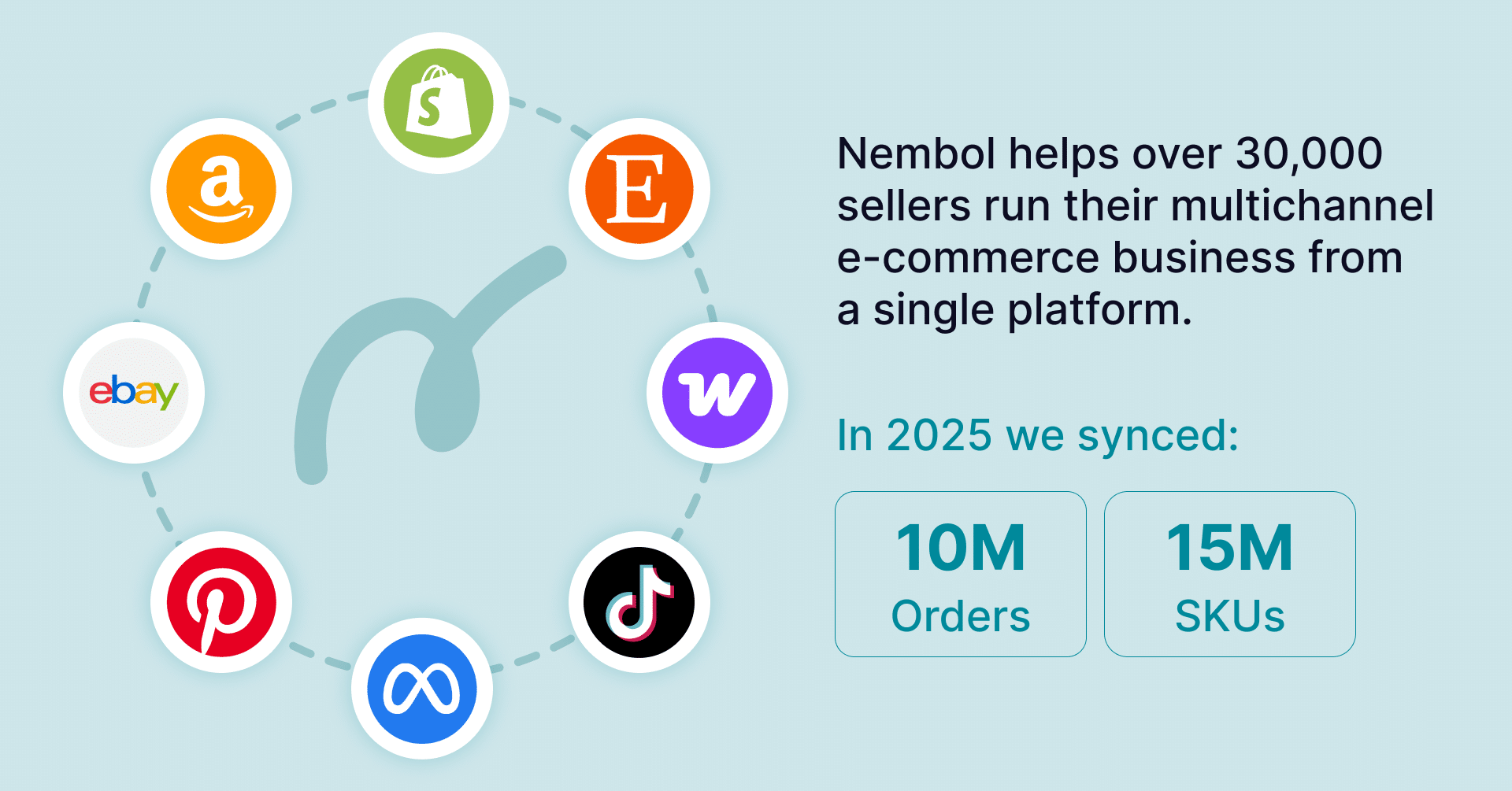
What it means in practice. Meta Commerce sits on the same subscription as Amazon, eBay, Etsy, Shopify, WooCommerce, TikTok Shop, Google Merchant Center and Pinterest. Merchants already running Nembol across marketplaces add the catalog at no extra cost; merchants arriving for the catalog acquire the marketplace connectors in the same step. Evaluation runs 14 days without a card.
Try Nembol free for 14 days No credit card required
Frequently asked questions
How do I sync products to a Meta catalog automatically?
Connect an application authenticated against Meta’s Commerce API rather than uploading a file. Nembol publishes to Meta from the same catalog it builds from every connected marketplace, storefront or spreadsheet import, then updates it as stock and content change anywhere, with no scheduled fetch in between.
Can I publish to a Meta catalog from Etsy or eBay?
Yes, with Nembol, which imports from both marketplaces alongside every other channel it connects, then publishes on to Meta from the same catalog. Neither Etsy nor eBay exposes a native route into a Facebook Catalog, so something has to sit in between and hold the product records — which is precisely where this category of software exists.
Does my Facebook catalog update when something sells elsewhere?
With Nembol, yes. Quantity is shared across every connected channel, so a sale on Etsy or Amazon reduces the same figure that Meta reads. When total stock falls below one unit, the catalog entry switches to Out of stock, which stops Advantage+ ads serving an item you cannot ship.
Will my Instagram Shopping products update too?
Yes. Instagram draws on the same catalog as Facebook, so products published to a Facebook Catalog appear on the associated Instagram account automatically. There is no separate Instagram publishing step and no second sync to maintain, which also means an error in the catalog shows up in both places at once.
Why are my products rejected by Meta?
Usually a missing brand name or barcode, a product image narrower than 500 pixels, or a catalog that has not yet been approved in Commerce Manager. These are Meta’s own requirements rather than any tool’s, and between them they account for most first publishes that stall.
Can I sync product variations to a Meta catalog?
Not through Nembol. Where a product has several variants, it creates one catalog entry using one of them, and the rest must be added in Meta’s own tools. If your range is built on colourways or sizes, weigh this before connecting.
Where should Meta catalog traffic land if I have no website?
Nembol’s Storefront generates one from the same catalog that populates your Meta entries, on a domain you control, with Stripe and PayPal checkout and no transaction fee. Merchants selling only on marketplaces otherwise pay to create demand that terminates on a page they do not own.
Can I remove products from a Meta catalog in bulk?
Yes. Products can be delisted from Meta Commerce individually or in bulk directly from Nembol, alongside bulk editing of content, product specs and stock quantities — work that otherwise means opening Commerce Manager and repeating it item by item.