

Overview
BREAKING: inkFrog is shutting down June 1, 2026. CSV export deadline: May 31.
inkFrog is shutting down on June 1, 2026, leaving thousands of eBay sellers searching for a replacement. This guide covers exactly what to do, how to export your listings, backup your data, save your images, and migrate to Nembol, the multichannel platform built for eBay sellers ready to grow beyond a single channel.
The inkFrog shutdown timeline:
- May 31, 2026 — Last day for CSV listing export
- June 1, 2026 — Service shuts down permanently
inkFrog is shutting down — What’s happening?
On April 29, 2026, inkFrog emailed customers confirming that the service will end on June 1, 2026. The email described the closure as “a difficult decision” and “the right step forward,” with no acquisition, no rollover product, and no successor platform. Inkfrog has been operating since 1999 and was acquired by Wix in 2020.
For sellers, the migration support offered by Inkfrog is minimal: a CSV export from your dashboard and an automatic refund for unused billing days. That’s the entire transition plan. No image rehosting, no template migration, no help moving your multi-channel sync to a new platform. You’re responsible for the rest — and you have a hard deadline.
What you lose on June 1, 2026
• inkFrog dashboard and account access
• inkFrog-hosted images (banners, headers, logos)
• inkFrog-hosted product photos
• All listing templates and saved drafts
• Master profiles, payment, shipping, return policies
• Multi-channel inventory sync
• Bulk revision rules and listing workflows
• GTC Watchdog, auto-relist, auto-feedback rules
What survives
• Your live eBay listings (eBay hosts these)
• Your eBay account, sales history, feedback
• Products synced to Shopify, Amazon, BigCommerce
• Images saved locally or hosted outside Inkfrog
• Your CSV export (if you download before May 31)
The big risk: sellers who don’t act will see their live eBay listings start showing broken images on June 1 — every banner, header, store logo, and template design element hosted on Inkfrog’s CDN will go dark. Listings will still function and sell, but they’ll look unprofessional and convert worse.
Best alternative to inkFrog for eBay sellers: Nembol
Nembol is a multichannel listing and inventory management platform built for serious eBay sellers who want more than what Inkfrog ever offered. It covers every core inkFrog function — bulk eBay listing, multi-channel sync, inventory management, automated pricing — and then extends well beyond eBay into channels Inkfrog never supported.
If you’ve been an inkFrog user, this transition is also an opportunity. The same listings you’ve built up over years can now reach Etsy, TikTok Shop, Pinterest, Instagram, Facebook, and your own auto-generated website — all from one dashboard, with real-time inventory sync across every channel.
What Nembol gives you that inkFrog never did
- TikTok Shop integration with real-time inventory sync
- Native Etsy support with bulk listing and quantity sync
- Social selling — post to Pinterest, Meta Commerce, Tumblr
- Storefront — gene your own branded online store from your existing catalog
- Advanced per-channel pricing rules with .99 rounding
- Multi-account support (up to 10 Shopify stores, eBay accounts, or Etsy shops)
- Built-in Checkup to monitor inconsistent or incorrect product data across channels
- Order Transfer system to centralize and move orders across channels. Upcoming Amazon MCF (Multi-Channel Fulfillment) integration
- CSV edit by SKU for precise updates of inventory, prices, and product identifiers (quantity, price, barcode, ASIN) without overwriting full listings or risking catalog data integrity.
- Direct eBay product editing with sync back to Nembol and all connected channels

Quick comparison: inkFrog (closing) vs Nembol
|
Features
|
Inkfrog
|
Recommended
Nembol
|
|---|---|---|
Operating status |
Closing June 1, 2026 |
Active since 2014 |
eBay listing |
||
Amazon |
||
Shopify |
||
Etsy |
||
TikTok Shop |
||
Meta Commerce (FB + IG) |
||
Pinterest posting |
||
WooCommerce, PrestaShop |
||
Website builder |
||
AI content tools |
||
Automated pricing rules |
||
Multi-account per channel |
Limited |
Up to 10 |
Pricing model |
By listing count |
By product count |
Starting price |
$11/mo300 listings |
$39/mo200 products |
| Start free trial |
Migrate your eBay business to Nembol,
before June 1
Connect eBay, import your listings in minutes, and expand into Etsy, TikTok Shop,
and social channels Inkfrog never supported. Free for 14 days.
How to migrate from inkFrog: step-by-step guide
This is the complete Inkfrog migration guide.
Please note: If your listings are on eBay, you don’t need to follow all 7 steps. Just connect your eBay account to Nembol — that’s it. Your entire catalog, titles, descriptions, and images, is pulled and saved automatically in minutes. Nothing to export, nothing to upload.
If inkFrog is your source, follow these 7 steps to migrate safely before June 1st.
Step 1: Export listings from InkFrog (CSV)
Log into your Inkfrog dashboard. From the main listings view, click the “Export All Listings” button. Inkfrog will generate a CSV file containing all your listing data — titles, descriptions, prices, item specifics, SKUs, and image URLs.
Save the CSV in two locations: your local computer and a cloud drive (Google Drive, Dropbox, OneDrive). This is your authoritative backup of every listing you’ve created in Inkfrog.
Important: the CSV export must be done before May 31, 2026. After that, the dashboard goes offline and you cannot retrieve this data.
Step 2: Backup inkFrog data: images, templates, and assets
This is the step most sellers underestimate. The CSV export contains image URLs, not image files. When inkFrog shuts down on June 1, every image hosted on Inkfrog’s servers will go offline — including product photos, banners, headers, store logos, and template gallery elements.
Open the CSV in a spreadsheet, identify every Inkfrog image URL, and download each image. For sellers with hundreds or thousands of listings, manual downloading isn’t realistic — use a bulk URL downloader tool, or import directly into Nembol where images are rehosted automatically.
Step 3: Document your inkFrog channel connections
Before you disconnect anything, write down every channel currently connected to inkFrog: eBay accounts, Shopify stores, Amazon Seller Central accounts, BigCommerce stores, Wix sites. Note the account names, login emails, and which products are syncing where.
If you used inkFrog’s GTC Watchdog, auto-relist rules, or auto-feedback messages, document those settings too. You’ll recreate the equivalent automations in Nembol once you’ve migrated.
Step 4: Sign up for Nembol and connect your eBay account
Create your Nembol account. And start your 14-day free trial. No credit card required.
Inside Nembol, go to the Channels tab and connect your eBay account. This is the most important part: rather than uploading the Inkfrog CSV, Nembol will pull your live listings directly from eBay. This bypasses the Inkfrog image problem entirely — Nembol downloads each product image from eBay (where they’re already hosted) and re-stores them on Nembol’s infrastructure.
Follow this video tutorial on how to connect eBay to Nembol.
Pro tip: by importing from eBay rather than CSV, your images stay live throughout the migration. There’s no period where your listings show broken thumbnails.
Step 5: Move eBay listings from inkFrog to Nembol
Once your eBay account is connected to Nembol, all active eBay listing is pulled into your Nembol catalog, including titles, descriptions, item specifics, variations, and images.
For sellers with more than 5,000 listings, the import may take several hours. You can continue working on other migration tasks while it runs. Nembol will email you when the import is complete.
Important: if your eBay listings contain HTML descriptions with inkFrog-hosted images (banners, headers, etc.), those will still break on June 1. Either edit your descriptions to remove those references, or replace them with images now stored in Nembol.
Step 6: Enable inventory sync and connect more channels
With your listings imported, activate Nembol’s stock sync — see the image attached.
From this point on, whenever an item sells on any connected channel, Nembol updates stock quantities everywhere within seconds — preventing overselling.
Add channels you couldn’t run through Inkfrog: connect Etsy, TikTok Shop, Meta Commerce (Facebook + Instagram Shops), Pinterest, WooCommerce, or PrestaShop.
With Nembol, all channels are managed from a single centralized dashboard, giving you full control of your entire multichannel operation in one place. Your existing catalog can be published to any new channel with a single click—without switching tools or duplicating workflows.

Step 7: Verify your migration and disconnect inkFrog
Run a final verification pass: check that every listing imported correctly, inventory quantities match eBay, and images render in the Nembol product editor. Place a test order on eBay if possible and confirm that stock updates flow through to your other connected channels.
Once you’re satisfied, disconnect Inkfrog from your eBay, Shopify, Amazon, and BigCommerce accounts. This prevents any conflicting sync operations during the final days before June 1. Inkfrog will automatically process refunds for unused billing days after the service shuts down.
Don’t wait until May 31: migration is fastest done now, while support teams are responsive and your Inkfrog dashboard is fully functional. The closer to the deadline, the more sellers are scrambling — and the longer support response times become.
How to backup inkFrog data completely
Beyond migrating to a new tool, you should keep a permanent archive of your Inkfrog data in case you ever need to reference old listings, recover an image, or rebuild a template. Here’s a complete checklist for backing up Inkfrog data before the shutdown:
- CSV listings export — Use the “Export All Listings” button on your inkFrog dashboard. Save to local storage and two cloud drives.
- All product images — Download every Inkfrog-hosted image referenced in your CSV. Once inkFrog shuts down, these URLs return 404 errors permanently.
- Listing templates — Open each template you’ve designed in Inkfrog, view source if needed, and save the HTML code to a local file. Save preview screenshots.
- Master profiles — Screenshot each profile showing your default category, condition, payment method, shipping rules, return policy, and listing format.
- Auto-relist and GTC rules — Document the conditions and actions for each automation rule you’ve set up.
- Auto-feedback messages — Copy the text of each feedback message template.
- Billing records — Download your invoices from Inkfrog before the dashboard goes offline.
The backup process is most painful if you wait until the last week of May. The inkFrog dashboard is reportedly slower than usual under the migration load, and image downloads in particular can fail intermittently when traffic spikes. Start today.
Beyond manual CSV and image backups, Nembol also offers an Idle Plan designed for long-term catalog preservation. Instead of storing exported files locally and risking lost images or incomplete archives, sellers can import their listings into Nembol and keep the entire catalog safely stored inside the platform — including product data, images, and listing structures — even while not actively selling.
This creates a much safer long-term backup solution compared to relying only on CSV exports and local folders. If you later decide to restart selling or expand to new channels, the catalog can be reactivated and republished without rebuilding listings from scratch.
Frequently Asked Questions
When exactly is Inkfrog shutting down?
Inkfrog will shut down on June 1, 2026. The last day to export your data as CSV is May 31, 2026. The shutdown was announced via email to customers on April 29, 2026, with no public press release. There is no extension, no successor product, and no acquisition.
What happens to my eBay listings when Inkfrog shuts down?
Your live eBay listings will stay on eBay, they do not disappear because eBay hosts them, not Inkfrog. However, any images, banners, headers, store logos, or template elements that were hosted on Inkfrog’s servers will go offline on June 1. Your listings will show broken image icons in those positions. Additionally, any multi-channel inventory sync between eBay and Shopify, Amazon, BigCommerce, or Wix that ran through Inkfrog will stop working, exposing you to overselling.
How do I export listings from Inkfrog?
Log into your Inkfrog dashboard and click “Export All Listings” from the main listings view. Inkfrog generates a CSV file with your listing data and image URLs. Remember: the CSV contains URLs, not image files, you must download images separately. The export function is available until May 31, 2026.
Why migrate from Inkfrog to Nembol specifically?
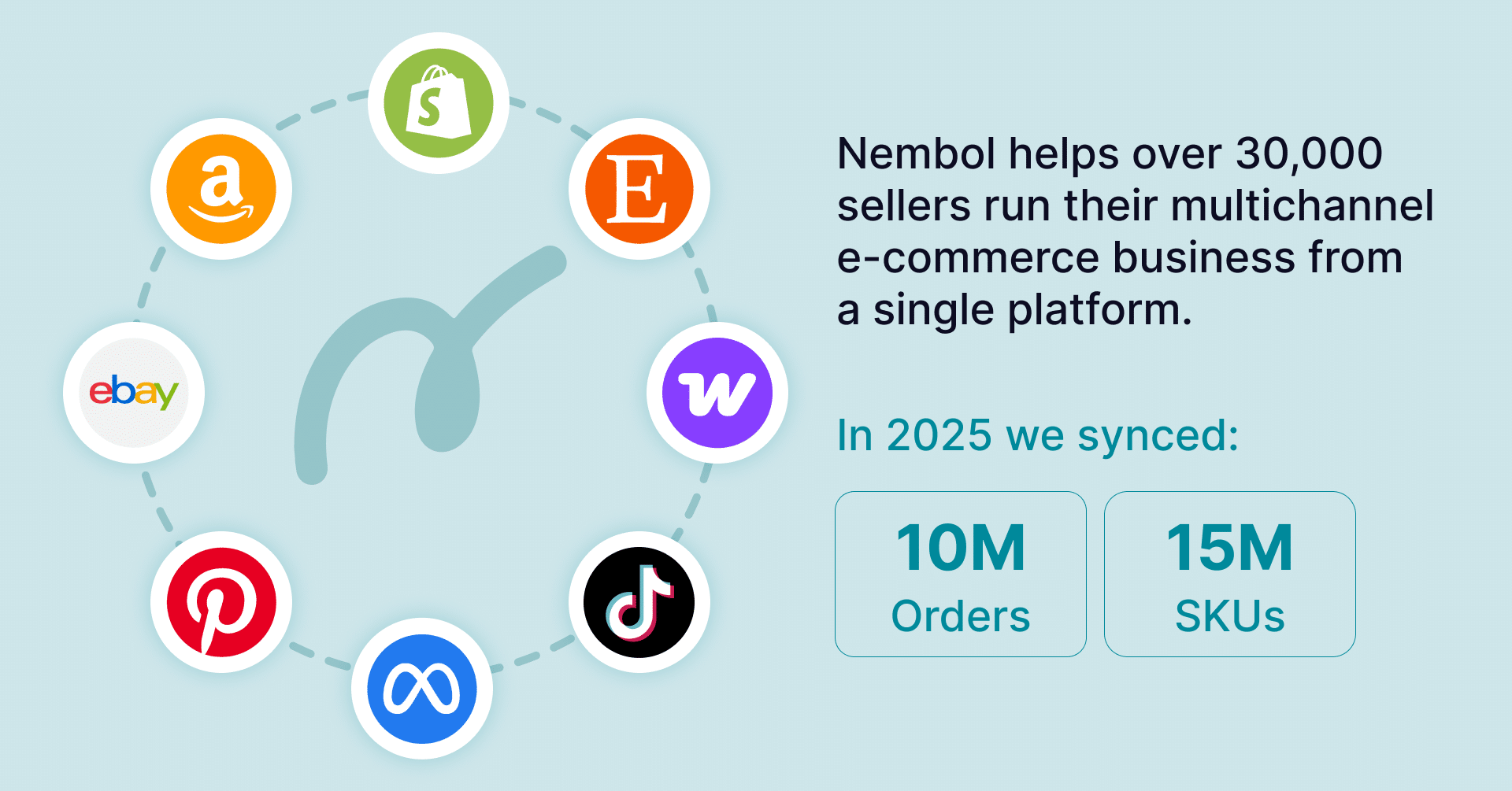
Nembol replaces every core Inkfrog function, bulk eBay listing, multi-channel inventory sync, automated pricing, and adds channels Inkfrog never supported: TikTok Shop, Etsy, Meta Commerce, Pinterest, PrestaShop, plus an auto-generated website and AI content tools. Nembol has been operating since 2014, currently serves 30,000+ sellers in 80+ countries, and imports your eBay listings directly without requiring you to upload the Inkfrog CSV.
How long does it take to migrate from Inkfrog to Nembol?
Most sellers complete the full migration in under two hours of active work. Connecting your eBay account to Nembol takes about 5 minutes, and the listing import runs in the background. Catalogs with over 5,000 listings may take several hours to fully sync, but you can continue with other migration tasks while it runs.
Will I get a refund from Inkfrog?
Yes. Inkfrog has confirmed that refunds for unused billing days will be processed automatically after the service closes, calculated on a daily basis and returned to your original payment method. You do not need to request the refund.
Can I save my Inkfrog listing templates?
You can save the HTML code of each template by viewing the template in Inkfrog and copying the source. However, any images embedded in those templates that are hosted on Inkfrog will not render after June 1. The cleanest path is to use Nembol’s bulk description editor to apply new templates to your migrated listings.
What if I miss the May 31 deadline?
If you don’t export your CSV by May 31, you lose access to your listing data permanently. However, your live eBay listings remain on eBay, and you can still connect Nembol directly to your eBay account to import them, even after Inkfrog shuts down. The CSV is a useful backup, but the eBay-direct import path means you can still migrate after June 1.