

Overview
Managing orders across multiple sales channels can quickly become fragmented when each marketplace or store requires a separate workflow. By centralizing orders into WooCommerce, businesses can maintain a more consistent fulfillment process, improve inventory visibility, and reduce operational inefficiencies.
Nembol’s transfer orders to WooCommerce feature allows merchants to automatically import orders from connected marketplaces and ecommerce platforms directly into WooCommerce. Orders generated on supported channels are transferred into WooCommerce when products are linked through Nembol and inventory synchronization is active.
This enables WooCommerce to become the central operational hub for multichannel sales management.
Benefits of centralized order management
Importing orders automatically into WooCommerce through Nembol offers several operational advantages:
Consistent order management: all orders from different channels are available in your WooCommerce backend under a unified workflow, reducing the risk of missed or delayed fulfillments.
Reliable integration with your existing tools: WooCommerce plugins you already use for invoicing, shipping, or ERP continue to work as expected, now with orders sourced from all your channels.
Complete visibility: through Nembol’s Orders Tab, you can also access a consolidated view of your multichannel orders and export a CSV file with full order details, including SKUs, product titles, quantities, and prices.
Reduced manual intervention: once the function is configured, order collection is automatic. You do not need to manually log into each channel to retrieve and re-enter order data.
How to activate Transfer orders to WooCommerce in Nembol
Before setting up individual channels, activate the Order Transfer function in your WooCommerce settings:
- Access the Channels Tab in Nembol
- Click on Sync settings
- Enable the Transfer Orders to WooCommerce function
- Activate Sync stock quantity to Nembol for the channels from which you want to import orders to WooCommerce
- Ensure the relevant channels remain connected to Nembol.
Once these conditions are satisfied, orders placed on connected channels are automatically transferred into WooCommerce and become available for centralized management.

Import Amazon orders to WooCommerce
Selling on Amazon while managing your store on WooCommerce does not have to mean operating two separate systems. With Nembol, you can transfer your Amazon orders directly into WooCommerce and handle fulfillment from a single backend.
Before proceeding, make sure you have matching SKUs for the products listed on both Amazon and WooCommerce.
Then:
- Access the Channels Tab in Nembol
- Click on sync settings
- Scroll down to “Transfer order for fulfillment”, select WooCommerce
- Activate “Sync stock quantity to Nembol” for Amazon and WooCommerce
Import eBay orders to WooCommerce
eBay remains one of the most significant global marketplaces. Having your eBay orders flow automatically into WooCommerce allows you to maintain a reliable fulfillment process without switching between platforms.
Ensure your products are correctly listed and linked across both eBay and WooCommerce via Nembol, then:
- Access the Channels Tab in Nembol
- Click on sync settings
- Scroll down to “Transfer order for fulfillment”, select WooCommerce
- Switch ON “Sync stock quantity to Nembol” for both eBay and WooCommerce
Nembol supports up to 10 eBay accounts, making this suitable for sellers operating multiple eBay storefronts.
Import Shopify orders to WooCommerce
If you operate both a Shopify store and a WooCommerce store, Nembol gives you bidirectional flexibility in how you manage orders between the two platforms.
You can import Shopify orders into WooCommerce, centralising fulfillment in your WooCommerce backend. To do so, make sure the products are listed and active in both stores and linked via Nembol, then:
- Access the Channels Tab in Nembol
- Click on sync settings
- Scroll down to “Transfer order for fulfillment”, select WooCommerce
- Activate “Sync stock quantity to Nembol” for Shopify and WooCommerce
Alternatively, if WooCommerce is your primary sales channel but Shopify is your operational hub, Nembol also supports the reverse flow: transferring WooCommerce orders into Shopify.
Manage all your orders in one place
Stop switching between multiple dashboards. Automate order import, sync inventory in real time, and streamline fulfillment with Nembol.
Import TikTok orders to WooCommerce
Social commerce is growing rapidly, and TikTok Shop has become a relevant sales channel for many product categories. Rather than managing TikTok Shop orders separately, you can have them transferred automatically into WooCommerce through Nembol.
Ensure your TikTok Shop products are linked to their WooCommerce counterparts via Nembol, then:
- Access the Channels Tab in Nembol
- Click on sync settings
- Scroll down to “Transfer order for fulfillment”, select WooCommerce
- Activate “Sync stock quantity to Nembol” for TikTok and WooCommerce
Import Etsy orders to WooCommerce
Etsy and WooCommerce serve complementary audiences, and combining them is a well-established strategy for growing product visibility. With Nembol, you can transfer your Etsy orders into WooCommerce and manage fulfillment from a single backend.
Ensure that both Etsy and WooCommerce are connected to Nembol and that the relevant products are listed and linked across both platforms, then:
- Access the Channels Tab in Nembol
- Click on sync settings
- Scroll down to “Transfer order for fulfillment”, select WooCommerce
- Activate “Sync stock quantity to Nembol” for Etsy and WooCommerce
Please note: Etsy does not return certain shipping details, such as the customer’s name and shipping address. For this reason, Etsy orders transferred to WooCommerce may be incomplete.
Multichannel order management
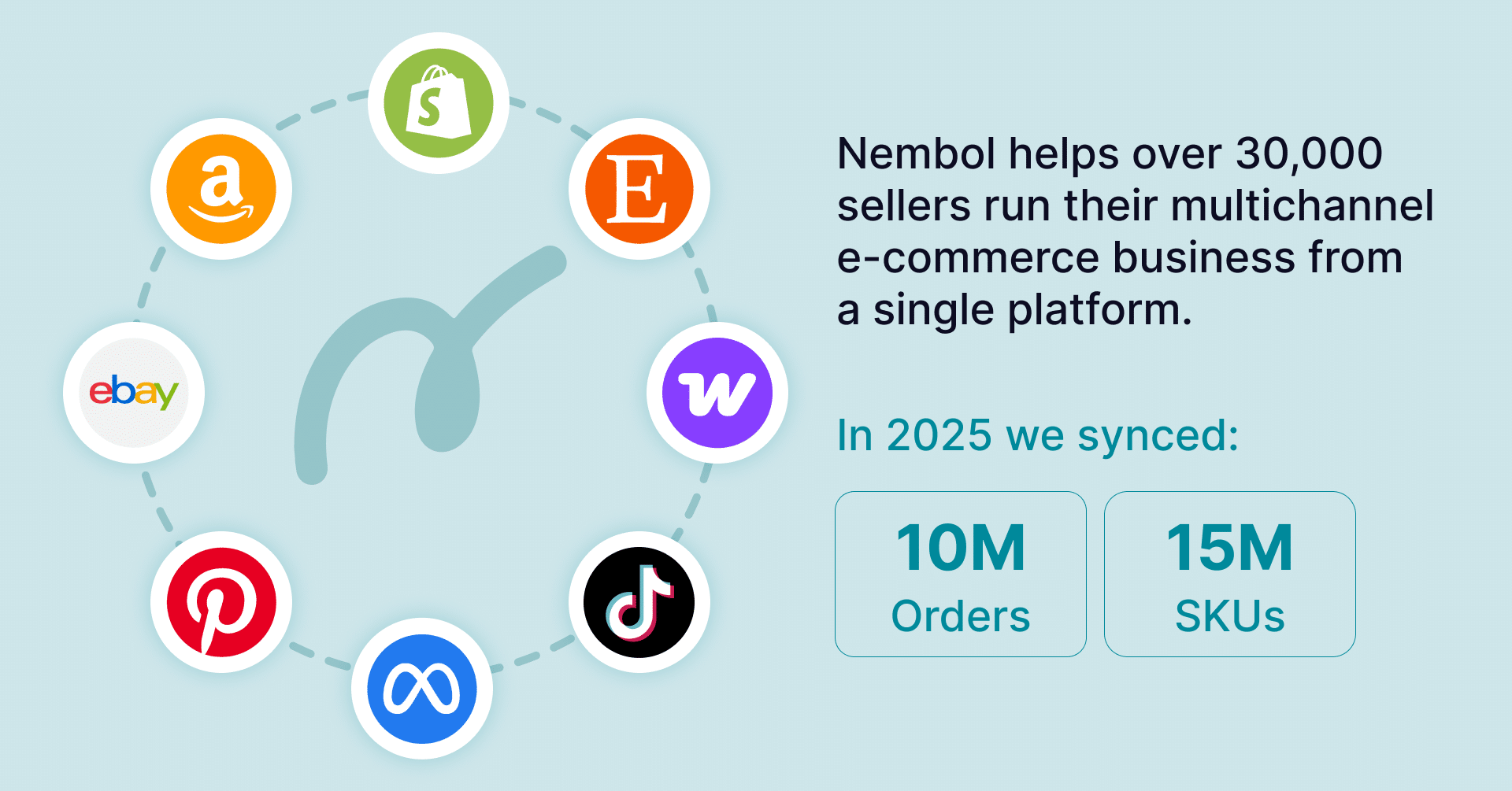
Transfer orders to WooCommerce is one component of a broader multichannel strategy. Selling across Amazon, eBay, Etsy, Shopify, TikTok Shop, and Google Merchant Center simultaneously requires not only consolidated order management, but also reliable inventory synchronisation to prevent overselling and stock discrepancies across platforms.
Nembol addresses both needs. Alongside Order Transfer, Nembol keeps stock quantities aligned in real time across all connected channels, and handles product listing and updates from a single interface. Through the Orders Tab, sellers can monitor all incoming orders regardless of their source.
The result is a more structured and scalable multichannel operation, one where WooCommerce serves as the consistent foundation, and every connected channel contributes to a unified workflow rather than operating in isolation.