

Overview
Square began as a card reader for independent merchants and has since grown into a full commerce platform, combining point-of-sale hardware, payment processing, an online store builder, inventory management, invoicing, and reporting under one dashboard. For many retail, food and beverage, beauty, and service businesses, it now serves as the operational backbone that connects an in-person register to a website and, in some cases, to social channels.
A question that comes up just as often once a Square catalog starts to grow is how to take products that already live in Square and put them in front of buyers on other channels — Amazon, eBay, Etsy, TikTok Shop, and beyond — without rebuilding every listing from scratch or managing stock counts by hand. This is precisely the gap that Nembol was built to close, now that it connects to Square as one of its supported channels, alongside the marketplaces and storefronts sellers already use.
Is Square a marketplace
No, Square is not a marketplace in the sense that Amazon, eBay, or Etsy are. Those platforms operate their own storefronts, attract independent buyer traffic, and place a seller’s products alongside competing listings within a shared catalog. Square, by contrast, is a commerce and payments infrastructure provider: it gives a business the tools to build and run its own point of sale and online store, but it does not supply an audience of shoppers browsing a Square-branded shop.
With Square Online, Square’s ecommerce platform, merchants can create an online storefront connected with Square’s payment and inventory ecosystem. Square Online synchronizes items, orders, and inventory with Square Point of Sale, allowing sellers to manage online and in-person sales from the same system.
Is Square a good place to sell
For businesses that need to accept payments in person, online, or both, Square offers a workable foundation. All plans include end-to-end encrypted payment processing, fraud prevention tools, and free next-business-day bank transfers, and merchants are not required to purchase hardware, since payments can also be taken through invoicing, payment links, a virtual terminal, or Tap to Pay on a phone.
Every major card network — Visa, Mastercard, American Express, and Discover — is accepted at the same processing rate, and Square also supports mobile wallets such as Apple Pay, Google Pay, Samsung Pay, and Afterpay, giving customers additional ways to pay at checkout.
Whether Square is the right fit depends largely on sales mix and volume. Businesses with a significant share of online sales will want to look closely at processing rates before committing, and merchants with more than one location should account for the fact that paid plans are billed per location rather than per account.
Does Square require a monthly fee
Square does not require a paid subscription to start selling. The Free plan carries no monthly fee at all, and the business only pays processing fees per transaction.
Two paid tiers sit above it: Square Plus, priced at 49 USD per month per location, and Square Premium, at 149 USD per month per location, each offered with a free 30-day trial. These paid tiers lower the per-transaction processing rate and unlock additional features, such as expanded site customization, advanced reporting, and — on Premium — 24/7 phone support.
Processing rates vary by plan and by how the payment is taken. On the Free plan, in-person card payments are charged at 2.6% plus 15 cents, and online or invoice payments at 3.3% plus 30 cents; both figures step down slightly on Plus and Premium. Manually keyed transactions are charged at a flat 3.5% plus 15 cents across every plan, and cash or check payments carry no processing fee.
Businesses processing more than 250,000 USD a year can request custom pricing directly from Square. In short: there is no mandatory monthly cost to sell on Square, but the free tier’s per-transaction rate — particularly online — is worth weighing against a paid plan once volume grows.

What are the benefits of Square
A few advantages stand out for merchants evaluating the platform:
- A single system for in-person and online sales. Catalog, inventory, and customer data are shared between the point-of-sale and the online store, so a product’s stock level reflects sales from either channel.
- No commitment required to get started. The Free plan has no monthly fee, and paid plans can be trialed for 30 days and canceled at any time.
- Integrated hardware and software. Card readers, terminals, and kiosks are designed to work directly with Square’s software, without third-party POS middleware.
- Built-in operational tools. Inventory tracking, purchase orders, vendor management, staff scheduling and payroll, invoicing, and reporting on sales, labor, and cost of goods sold are all available from the same dashboard, with the scope of each expanding on the Plus and Premium tiers.
- Consistent processing terms. All major card networks are processed at the same rate, deposits are available the next business day at no charge, and there are no long-term contracts.
- A path to online selling. The built-in website builder includes SEO tools, checkout, and order fulfillment options such as pickup, local delivery, and shipping.
How to list Square products to multiple channels
Square’s own reach stops largely at the merchant’s own storefront and point of sale. Once a business wants its catalog visible on external marketplaces or social platforms, it needs either a native Square integration or a third-party connector — and Square’s native options in this area are limited. This is the gap Nembol is designed to close: it connects to Square through its official API and republishes the same catalog, with synchronized stock, across the marketplaces and storefronts Square does not reach on its own.
A multichannel selling workflow with Square and Nembol helps businesses:
- Keep product details consistent across different sales channels
- Synchronize inventory to reduce the risk of selling unavailable items
- Manage product distribution across multiple platforms
- Reduce repetitive manual updates when products change

What platforms does Square integrate with
Square connects with a range of ecommerce platforms and business tools through its own ecosystem. However, merchants who want to expand beyond Square’s native capabilities can use Nembol to connect their Square inventory with additional sales channels and marketplaces.
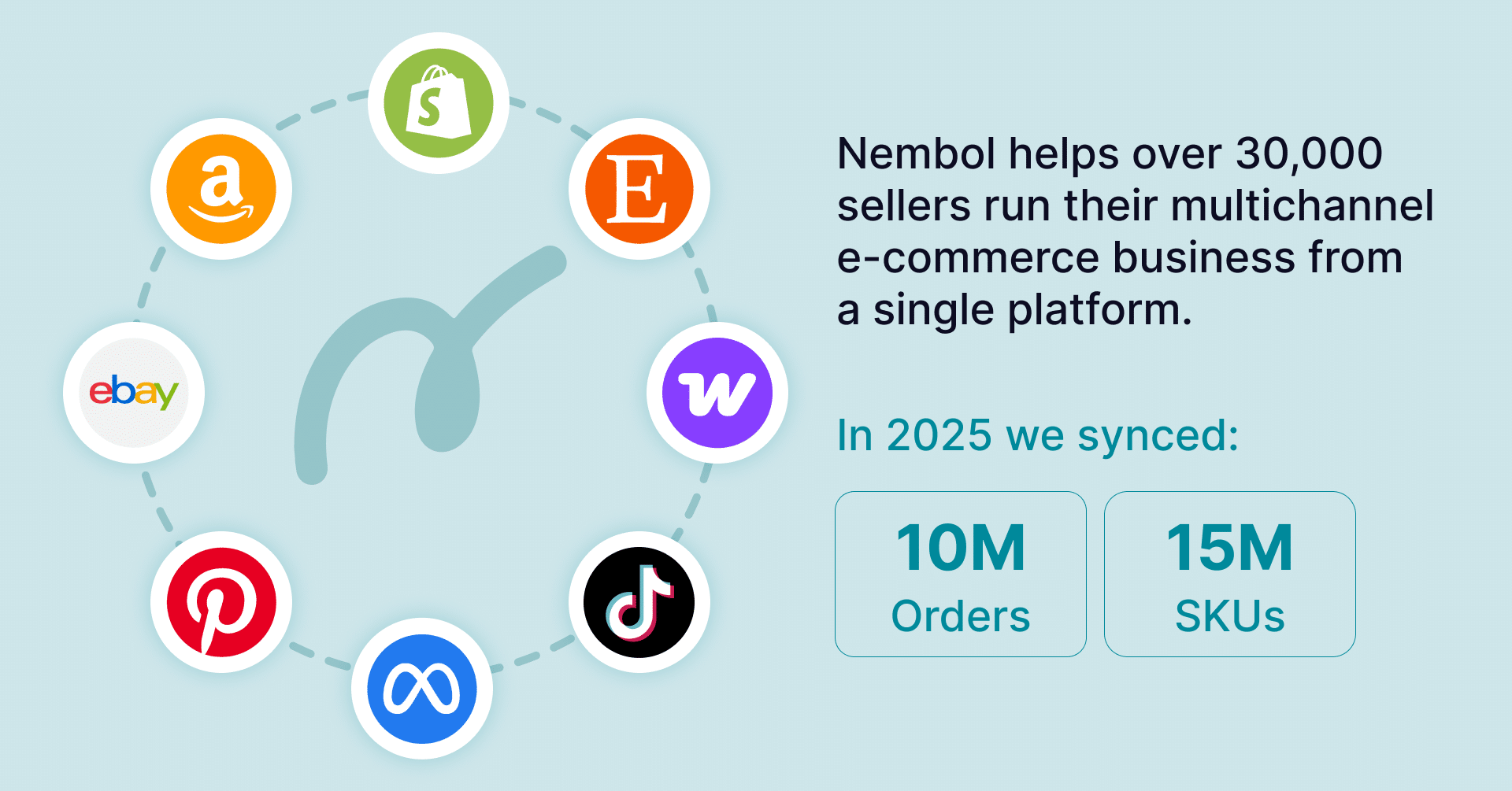
Through Nembol, Square sellers can distribute their products across multiple platforms, including:
- Shopify
- WooCommerce
- eBay
- Amazon
- Etsy
- Google surfaces
- TikTok Shop
- OnBuy
- Social platforms (Facebook and Instagram).
This allows businesses to use their Square catalog as the foundation for a broader multichannel selling strategy.
Click to view all integrations ->
Sync Square items with Nembol
Once a Square account is connected, its catalog can be imported into Nembol and published — including variant images, all from a single interface rather than one channel at a time.
From there, stock levels stay synchronized in both directions: whether an item sells through Square POS, Square Online, or any other connected channel, Nembol updates availability everywhere else, which reduces the risk of overselling as a catalog scales across marketplaces. Product data can be maintained either directly in Square or centrally in Nembol, with changes propagating to every connected channel, and orders from all channels can be reviewed from a unified view rather than switching between separate dashboards.
For merchants who already rely on Square to run their point of sale and online store, this turns a single-channel catalog into a genuinely multichannel one, without duplicating listing work or manually reconciling stock counts across platforms.
Frequently Asked Questions
How do I transfer Square items to another account?
Square doesn’t provide a standard way to transfer items between separate accounts. With Nembol, you can manage products across multiple Square accounts. Nembol Enterprise + plan supports connecting up to 10 Square accounts from a single workspace.
How do I export inventory from Square?
With Nembol, you can export your Square product catalog, including item details, to a CSV file for backup, editing, or migration. You can try the feature with Nembol’s 14-day free trial.
How to bulk edit items in Square?
Square supports bulk editing for some product fields, but for broader catalog management, Nembol lets you update product information in bulk and synchronize those changes across Square and your connected sales channels.