How to filter which Etsy products to import into Nembol When you connect your Etsy channel to Nembol, the first import happens automatically and includes all active listings. If you need to import more products—because you’ve created new items on Etsy or want to...
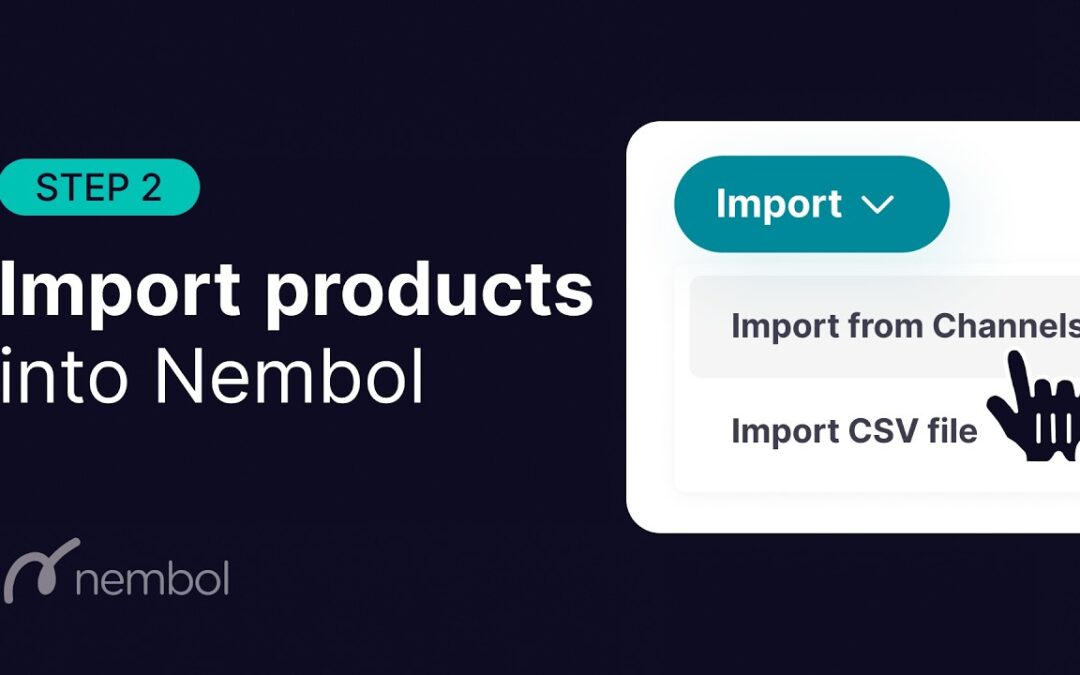
Import products into Nembol Once you connect your sales channel to Nembol, your active listings will be automatically imported and will be available to manage in the Products tab. There are two ways to add more products to your Nembol: Import from sales channels...
Can’t connect second Etsy to Nembol Sometimes, when trying to connect a second Etsy store, Nembol may notify you that the store is already connected. Follow these steps to fix it: Check your plan to make sure it allows multiple accounts per channel. You must be...
Connect eBay to Nembol To link your eBay account with Nembol, follow these steps: Log in to Nembol and go to “Connect channels”, then select the eBay icon. You’ll be redirected to the eBay login page. Enter your credentials and grant access to Nembol. Once logged in,...
Connect Etsy to Nembol To connect your Etsy store to Nembol follow these steps: Login to Nembol and click on “Connect channels” and select Etsy icon You’ll be redirected directly to the Etsy login page. Enter your credentials (Etsy may ask you to verify...
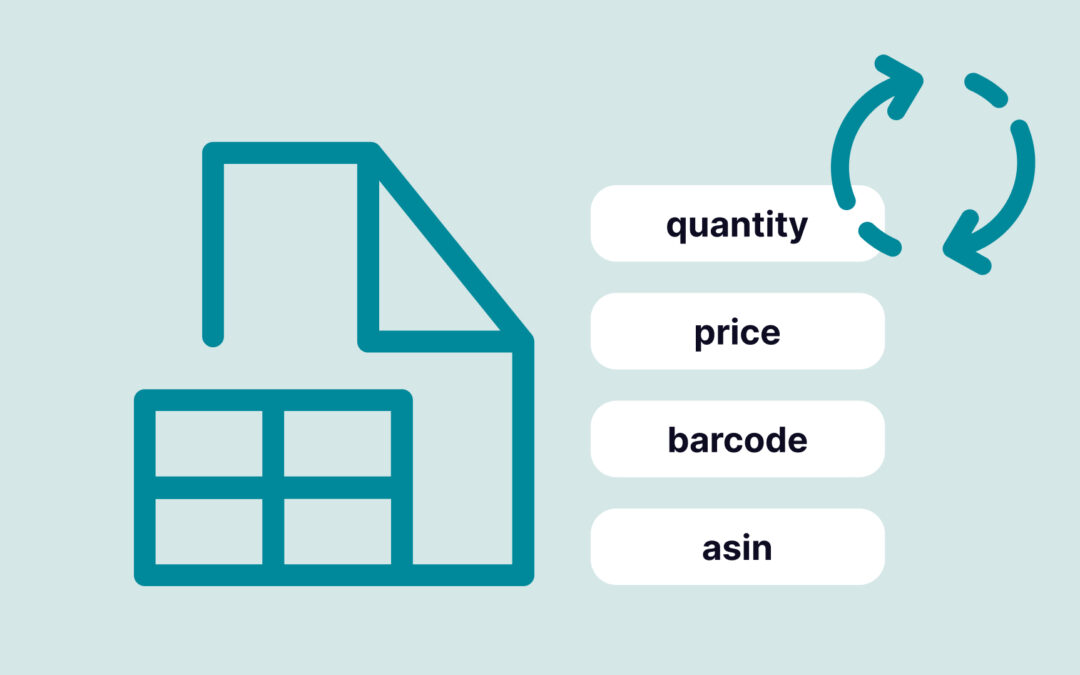
Bulk update inventory by SKU codes using a CSV file Precisely update your inventory, prices, and product identifiers using a simple CSV file. With Nembol Light Edit, you can modify key data by SKU and automatically sync those changes across all your connected sales...