

What is dropshipping in inventory management
Dropshipping inventory management is a crucial part of running a successful dropshipping business. Dropshipping is a retail fulfillment method where you, as the seller, don’t store products yourself. Instead, when a customer places an order, you purchase the item from a supplier who ships it directly to the customer.
While this model eliminates the need for warehouses and reduces upfront costs, dropshipping inventory management introduces several operational challenges that sellers must handle carefully.
Stock accuracy: Suppliers often sell the same products to multiple retailers. If their inventory runs out and your listings aren’t updated quickly, you risk overselling items that are no longer available.
Order routing: Orders must be sent to the correct supplier immediately after purchase to ensure fast processing and prevent shipping delays.
Platform-specific rules: Marketplaces like Amazon, eBay, and Etsy each have their own policies for listings, shipping times, and returns, which adds another layer to managing inventory properly.
Even if you sell on only one platform, effective dropshipping inventory management is essential to keep listings accurate, avoid canceled orders, and maintain a positive customer experience.

Can I dropship from Etsy to eBay?
Technically, it is possible to sell on eBay products sourced from Etsy, but you need to carefully navigate the official rules.
According to Etsy’s official guidelines, sellers cannot engage in traditional dropshipping, meaning you cannot simply purchase an item from Etsy and ship it to your customer without being actively involved. Only items that are handmade, curated, or vintage are allowed, and you must participate in their creation or selection process.
On eBay, dropshipping is permitted, but only if you have a legitimate arrangement with a supplier and remain fully responsible for fulfilling the order. eBay explicitly forbids purchasing items from another marketplace (like Etsy or Amazon) to fulfill orders after a sale. This means that while the concept is technically feasible, doing so between Etsy and eBay without violating either platform’s policies is extremely restricted and requires careful workflow design.
In practice, if you plan to sell across these channels, you must ensure:
- Compliance with Etsy’s creation/curation rules.
- Full accountability for shipping and delivery on eBay.
- Continuous monitoring of inventory to prevent overselling or policy violations.
This highlights why automation and centralized tools can be valuable, even for sellers navigating a single or limited number of channels.

How to use Shopify to dropship on Amazon
Shopify provides a flexible hub for dropshipping and can simplify compliance with Amazon’s strict policies.
Amazon allows dropshipping only if you are the seller of record, meaning the customer experience must reflect you as the seller, even if a third-party supplier ships the product.
You are responsible for:
- Handling returns and customer service
- Ensuring invoices, packaging, and communications reflect your brand, not the supplier’s
- Meeting all promised delivery times.
By connecting Shopify to Amazon, you can automate inventory updates, track stock, and centralize order management while maintaining compliance with Amazon’s requirements.
Even if you are not operating multiple channels, this setup allows you to:
- Keep product listings consistent and accurate.
- Avoid overselling by synchronizing stock in real-time.
- Ensure that every order processed through Shopify follows Amazon’s dropshipping policies.
This approach also prepares your business for potential expansion, making it easier to scale responsibly without violating channel-specific rules.
Is it possible to automate dropshipping?
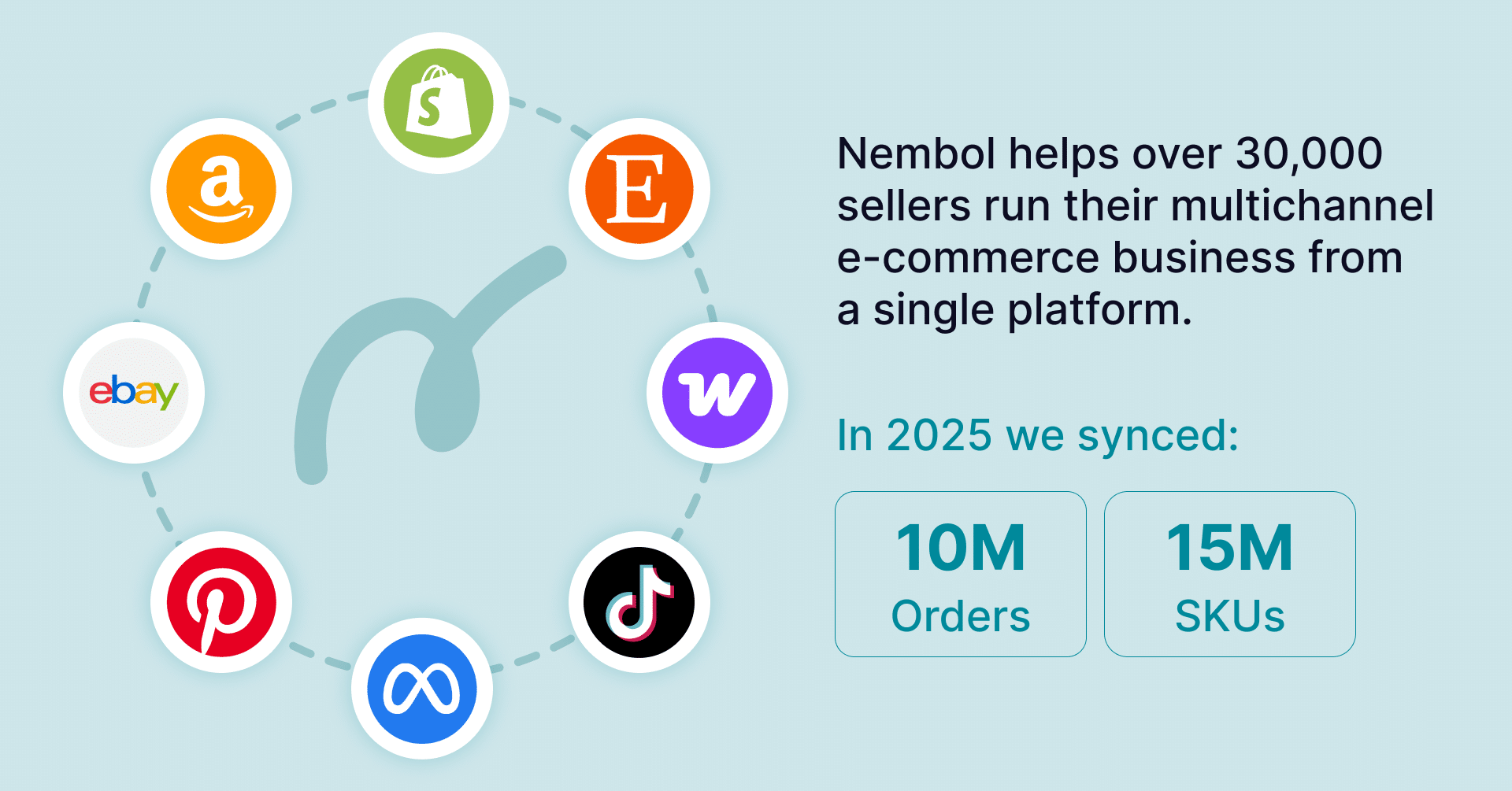
If you’ve ever wondered how to simplify dropshipping while managing multiple sales channels, this is where Nembol becomes invaluable. While Nembol is a multi-channel management tool, it includes features that make dropshipping more efficient and manageable.
It helps address common pain points such as keeping inventory accurate and reducing errors:
- Centralized product management: Once your product is in Nembol, you can expand it to additional channels by simply connecting the new marketplace. You can publish and edit the listings in bulk.
- Order transfer to Shopify: One of the biggest operational bottlenecks for dropshippers is manually consolidating orders from different sales channels into a single place for fulfillment. If your primary fulfillment channel is Shopify, Nembol can help streamline this process significantly. Once orders are received from marketplaces like eBay or Amazon (or even other Shopify stores), Nembol can automatically transfer those orders into your Shopify backend, so you don’t have to re-enter them manually.
For a complete step‑by‑step guide on how to import orders into Shopify using Nembol, see this article. - Error reduction: Nembol helps prevent mismatches in stock levels and ensures consistent syncing of your listings across different sales channels. Additionally, the Nembol Checkup feature helps identify inconsistent data in your catalog, such as missing SKUs, duplicated SKUs, missing prices, and other potential listing problems that could affect your inventory accuracy or marketplace compliance.
- Scalability while keeping your setup intact: You can add new marketplaces without altering your existing dropshipping setup. There’s no need to rebuild what you’ve already established, you can grow efficiently from there.
Nembol allows you to maintain your current dropshipping workflow while leveraging multi-channel management tools and reducing time consuming manual tasks.

How to keep track of inventory when dropshipping
Keeping track of inventory is the backbone of a successful dropshipping operation.
Even if you don’t physically hold stock, maintaining accurate product availability across your listings is essential to avoid overselling, delays, and negative customer experiences.
One of the most effective ways to do this is by enabling inventory synchronization so that stock updates are reflected consistently across your sales channels.
With Nembol, this process can be set up in just a few steps:
1. Import your products in Nembol
Start by connecting your main dropshipping channel to Nembol. The system will automatically import products from your existing store or marketplace.
2. Connect your sales channels
Next, go to your Channels Tab and connect the marketplaces or ecommerce platforms where you already sell, or where you would like to start selling, such as eBay, Amazon, Shopify, Etsy or other channels supported by Nembol.
3. Publish your products to additional marketplaces
Once your products are in Nembol and your channels are connected, you can publish them to other marketplaces directly from the platform. This can also be done in bulk, making it easier to expand your catalog across multiple channels.
4. Enable inventory synchronization
Go to your Sync settings and enable synchronization for the channel you want to receive stock updates from. Nembol keeps stock levels aligned across all connected listings. If the quantity changes on one channel, the update will be automatically reflected across the other marketplaces where the same product is listed.
5. Make Nembol your dropshipping inventory management tool
Instead of manually checking stock or worrying about updates, let Nembol handle your inventory across all connected channels. You can focus on growing your business while Nembol keeps your listings accurate, consistent, and up-to-date.