

Overview
Product listings do not perform in isolation. Their visibility, relevance, and conversion potential depend heavily on how product data is structured, enriched, and distributed across different channels.
Product feed optimization is the process of improving product data so it performs better once published, ensuring that listings are more complete, more accurate, and better aligned with the requirements of each channel.

What is Product Feed Optimization
Product feed optimization is the process of improving and refining product data within a feed to increase its effectiveness across digital channels.
It goes beyond basic data completeness. The goal is to enhance how products are interpreted by external systems and how they are presented to end users.
This typically involves improving data quality, enriching attributes, and structuring information in a way that increases visibility and engagement.
Key aspects include:
- Improving product details for clarity and relevance
- Enriching missing or weak product attributes
- Aligning product data with channel-specific requirements
- Ensuring consistency across all product listings
- Feed optimization transforms raw catalog data into performance-oriented product information.
Why is Product Feed Optimization important
Product feeds directly influence how listings appear, rank, and perform across channels. Poorly structured data can reduce visibility, limit reach, and negatively affect conversion rates.
Optimization is important because it impacts both technical performance and user perception.
Key benefits include:
- Improved visibility: better structured data increases the likelihood of product discovery within channel algorithms
- Higher click-through rates: clear and relevant product information improves listing attractiveness
- Stronger conversion performance: accurate and complete listings reduce friction in the decision process
- Better compliance with channel requirements: reduces errors, disapprovals, or suppressed listings
- More efficient scaling: optimized feeds perform more consistently as catalogs grow.
What are Feed Optimization tools
Feed optimization tools are software solutions designed to improve, enrich, and manage product data before and during distribution across multiple channels.
They operate between internal product systems and external platforms, ensuring that data is not only transferred but also enhanced for performance.
Typical capabilities include:
- Rule-based editing of product titles, descriptions, and attributes
- Bulk enrichment of missing or inconsistent data
- Channel-specific optimization logic
- Automated formatting and categorization adjustments
- Data validation and error detection
- Continuous updates and feed maintenance
What tool do you use for Product Feed Optimization
Nembol is a strategic ally in product feed optimization, acting as a central hub for product data, listings, and multichannel synchronization. Rather than simply distributing raw catalog information, Nembol enables you to clean, enrich, and structure product data so that every channel pulls from a single, consistent, and high‑quality source.
Nembol as a central product catalog manager
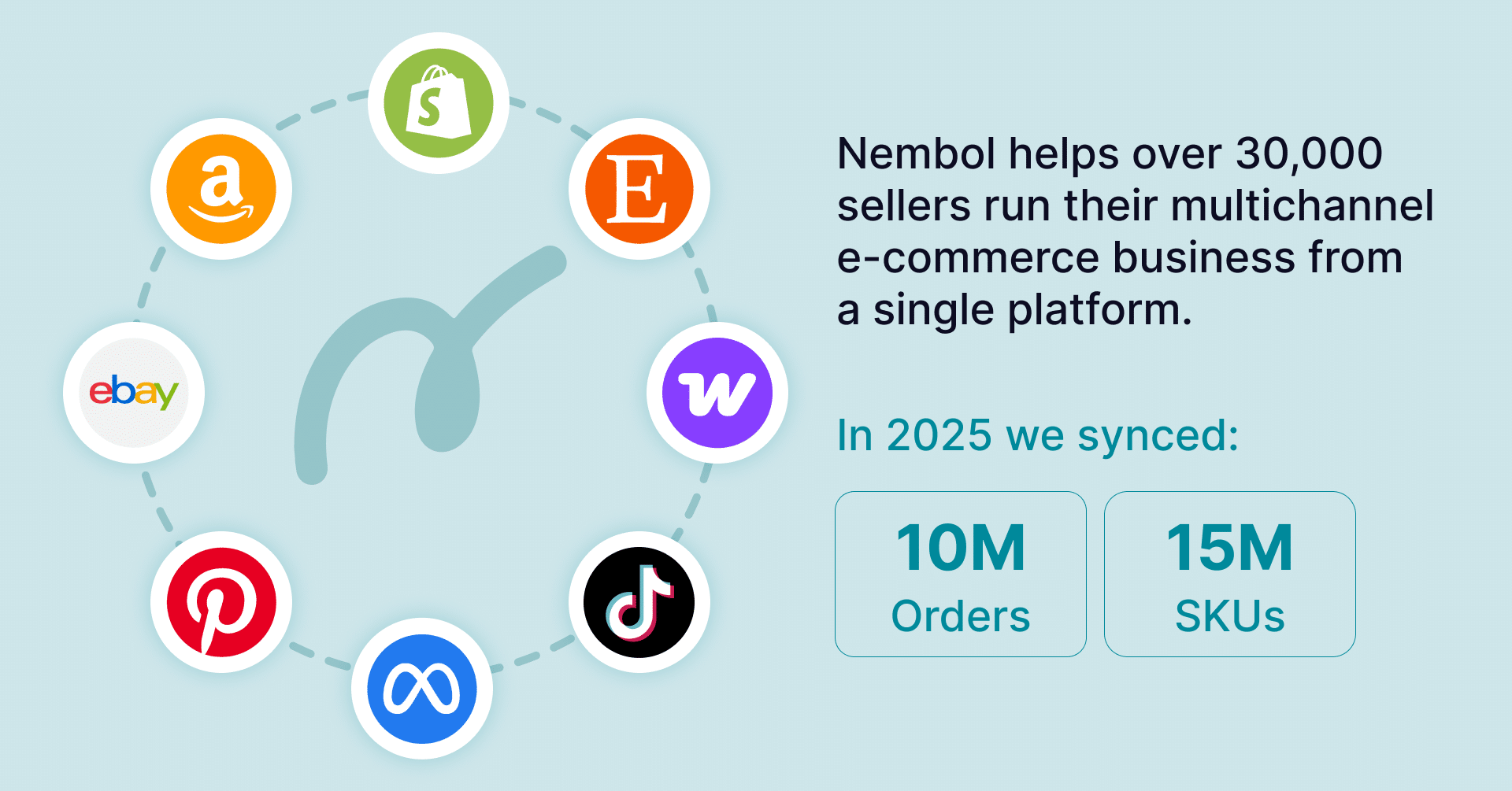
Nembol lets you import your catalog from your main source, a store or a management system or a spreadsheet file, and keeps it synchronized with multiple channels such as Amazon, eBay, TikTok, Shopify, WooCommerce and social‑commerce platforms. This centralization establishes a single source of truth for titles, descriptions, SKUs, prices, and stock levels, which then feed into each channel.
By unifying your catalog in one place, Nembol reduces the risk of inconsistencies across channels, such as mismatched stock, divergent titles, or conflicting pricing strategies, that would otherwise undermine feed performance and listing quality.
Bulk inventory updates
For large catalogs and businesses, Nembol supports a CSV‑driven workflow that combines automation with control. You can export your catalog to CSV, apply inventory edits (Quantity, Price, Barcode, ASIN), and re‑import the file so that changes are automatically reflected across all connected channels.
In addition, Nembol offers bulk inventory updates via CSV, letting you modify all product details (such as titles, descriptions and images) for hundreds or thousands of SKUs in a single operation.

Pricing Rules
Nembol’s Pricing Rules provide precise control over how prices are applied across different channels. You can define base prices and promotional pricing, then let Nembol automatically apply these rules to all connected channels.
This capability is critical for feed optimization because:
- Prices remain coherent across your store and marketplaces.
- You avoid situations where outdated or incorrect pricing in your feed causes listings to be rejected or to underperform in campaigns.

Nembol Checkup
To proactively detect and resolve data‑quality issues, Nembol includes Nembol Checkup, a feature designed to monitor your catalog and alert you of missing or incomplete fields, missing GTINs, duplicated SKUs, or other attributes that can trigger errors in feeds and marketplace listings.
When anomalies are detected, you can correct them directly in Nembol so that the updated, consistent data is automatically pushed to all connected channels, of can be exported back.
This discipline of data hygiene is a core component of product feed optimization, as complete and accurate product information forms the foundation for good visibility and conversion.

Product Feed Optimization with Nembol
Many brands build their product feed optimization workflow around Nembol:
- Centralize: import your catalog into Nembol and edit from one place.
- Sync: let Nembol push updated listings, prices, and stock levels to all connected channels, ensuring feeds draw from a clean, optimized source.
- Enrich: apply bulk content edits and Pricing Rules to align data with channel‑specific requirements.
- Audit and clean: use Nembol Checkup to detect inconsistent or incomplete data, and CSV edits to apply bulk updates across your catalog.
- Export: if needed, export product data from Nembol (e.g., via CSV) and feed it into external systems or ad platforms that perform final channel‑specific optimizations.
Nembol becomes the operational core of your product feed optimization strategy: it centralizes catalog management, enforces data consistency, enables bulk-level refinements, and keeps pricing and inventory aligned across channels. By maintaining structured and reliable product data, it helps ensure that listings remain accurate, discoverable, and better positioned to drive visibility, engagement, and conversions.
