

Last update January 23, 2026
Overview
Running a WooCommerce store gives you complete control over your brand and customer experience, but handling orders in-house can quickly become a bottleneck.
Inventory management, packing, and shipping take time, and mistakes can hurt customer satisfaction.
Amazon’s Multi-Channel Fulfillment (MCF) allows you to store products in Amazon fulfillment centers while they manage the logistics for orders placed on WooCommerce.
This setup lets you deliver fast, reliable shipments, free up time for growing your business, and scale your store efficiently without investing in additional warehouse space or staff.

How to fulfill an order on WooCommerce?
By default, WooCommerce orders are fulfilled directly by the merchant. This means you are responsible for managing inventory, packaging products, printing shipping labels, and arranging delivery through a carrier.
As your store grows, this setup becomes increasingly difficult to manage. Delays, stock misalignment, and operational bottlenecks can negatively affect customer satisfaction.
An alternative is to connect WooCommerce to Amazon MCF, letting Amazon handle fulfillment while you continue selling through your website.

Why should you transfer WooCommerce orders to Amazon? Key benefits
Using Amazon MCF for WooCommerce orders provides several practical advantages:
- Reliable, worry-free shipping: Amazon handles packaging, tracking, and delivery so every order reaches your customers smoothly.
- Operational efficiency: Outsourcing logistics reduces manual work, letting you focus on marketing, product development, and customer service.
- Enhanced customer satisfaction: Professional packaging and consistent delivery help build trust and loyalty.
- Flexible scaling: Amazon MCF allows you to handle higher order volumes without needing extra storage space or additional staff.
For WooCommerce merchants, this means maintaining full control of the storefront while delegating fulfillment to a trusted logistics network.
How to setup WooCommerce fulfilled by Amazon
Connecting WooCommerce to Amazon MCF requires a structured integration so that inventory, order details, and fulfillment requests are correctly transmitted. Managing this manually across systems can lead to delays and inconsistencies.
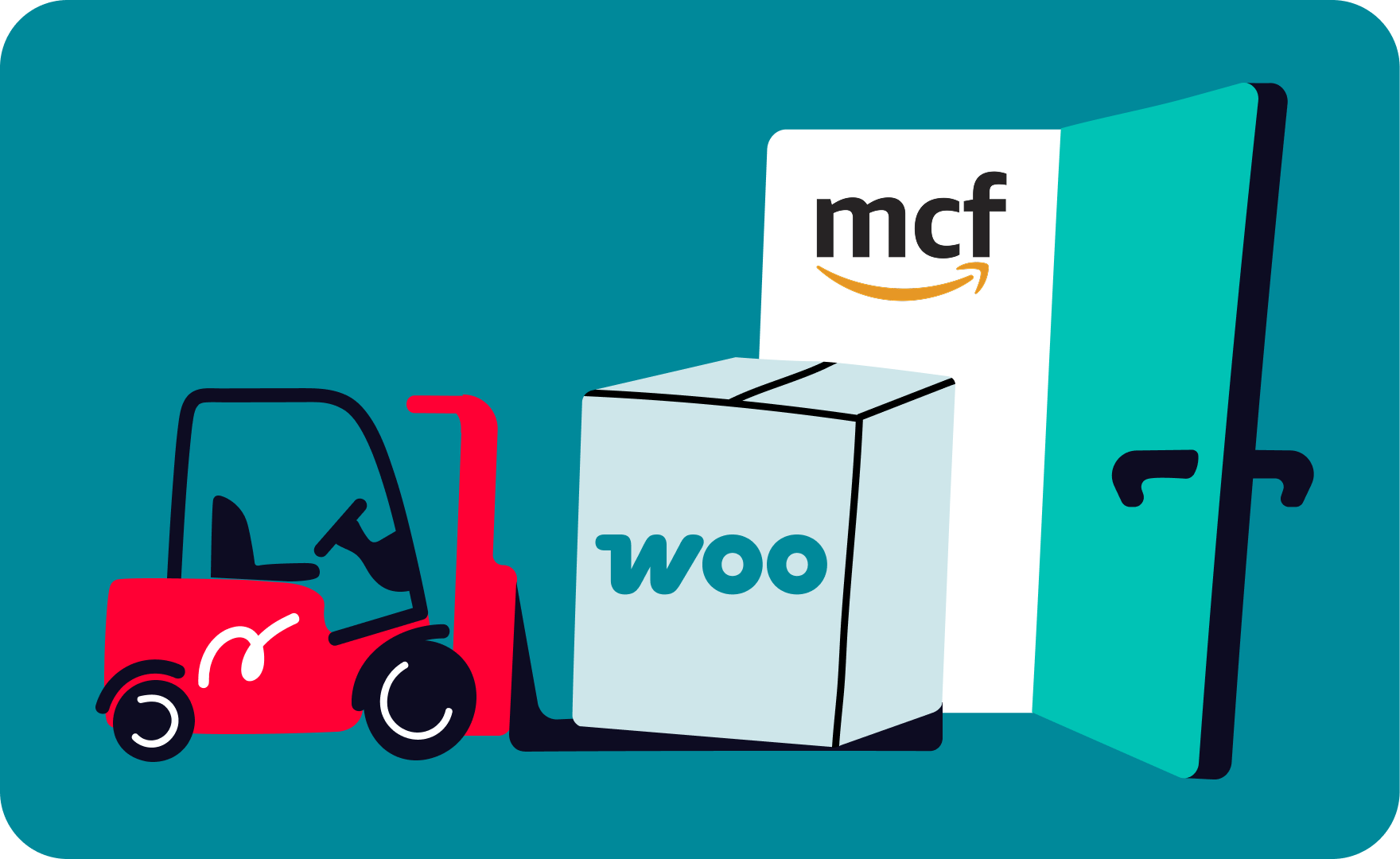
With Nembol, WooCommerce can be connected directly to Amazon MCF, creating an automated bridge between your store and Amazon’s fulfillment centers.
Inventory synchronization, order routing, and stock updates are handled in real time, reducing the risk of human error and ensuring a consistent workflow.
By centralizing operations through Nembol, you can streamline fulfillment while maintaining full visibility over products and orders.
Fulfill Woo orders with Amazon delivery
Here’s a step-by-step setup guide:
- Create your Nembol account.
- Connect your Amazon, and your products will be imported automatically.
- Connect your WooCommerce store to Nembol, your products will connect on the base of matching SKU codes.
- Activate MCF in your Amazon’s settings within Nembol.
- When you receive an order on WooCommerce, Nembol will send the pick-and-pack request to Amazon MCF for eligible products.
- Amazon MCF handles picking, packing, and shipping.
- Nembol automatically updates stock levels for FBM (non-FBA/non-MCF) products inside Amazon.
- Amazon MCF will take care of adjusting the stock count of FBA and MCF products.
By combining WooCommerce with Amazon MCF through Nembol, sellers can maintain the independence of their own website while relying on Amazon’s logistics expertise to deliver efficiently and professionally.
Get started with Amazon MCF today!
Enjoy a 14-day free trial — no credit card required
Use cases
Let’s take a look at the two most popular scenarios where you might want to use Amazon Fulfillment for WooCommerce:
Use Case #1:
Your WooCommerce sales are increasing, and in-house fulfillment is becoming difficult to manage.
With Nembol, you can:
- Connect WooCommerce and Amazon products with matching SKU codes.
- Activate Amazon MCF for WooCommerce orders.
- Automatically send pick-and-pack requests for every order while keeping inventory accurate.
Use Case #2
You sell on Amazon but want to build your own WooCommerce store for branding and direct customer relationships.
With Nembol, you can:
- List your Amazon products directly on WooCommerce.
- Activate Amazon MCF to automatically fulfill WooCommerce orders.
- Keep inventory synced across all sales channels.
Don’t hesitate to start your free trial today!